← The Resonance PortalWhatsApp
How it works · Admins
Your WhatsApp groups, bridged in and summarized every day, sorted into topics so decisions do not get lost in the scroll.
- 1
Open WhatsApp
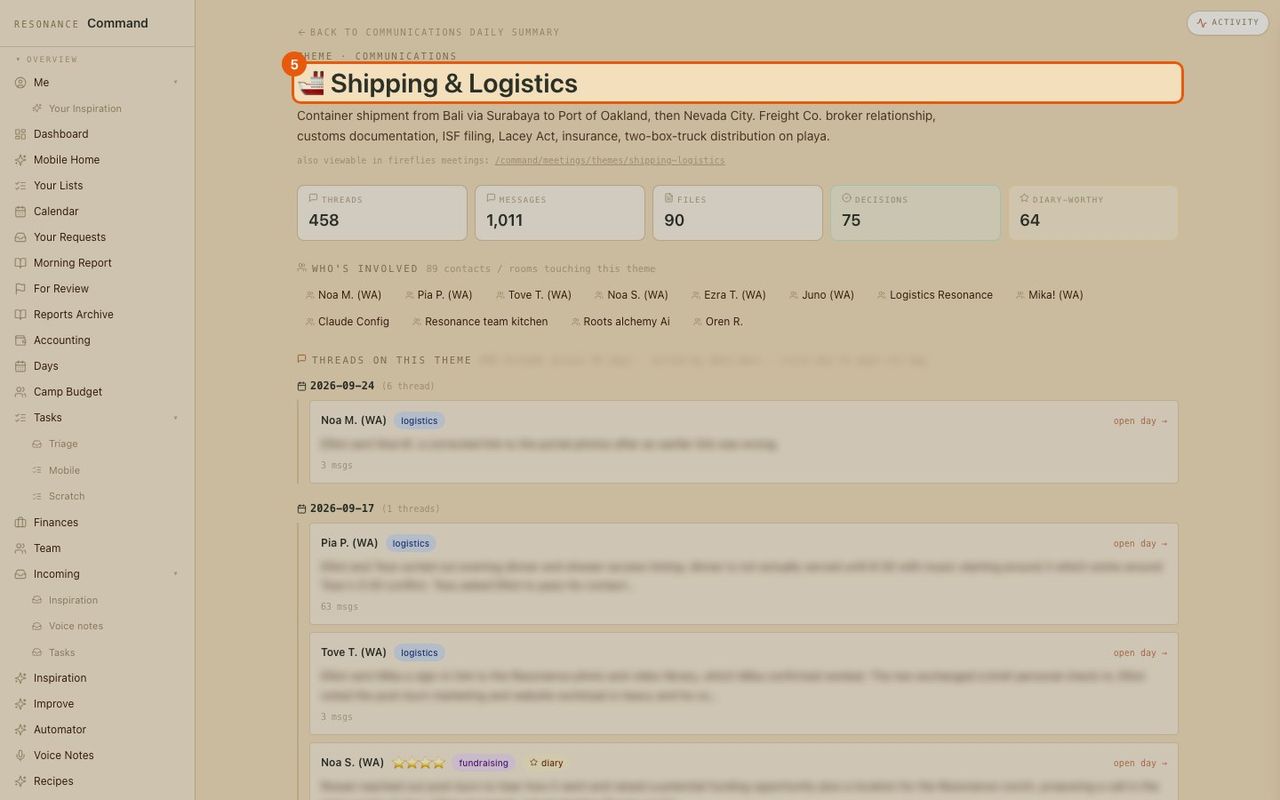
WhatsApp in the menu. When it last synced, and a button to sync now.
- 2
The day at a glance
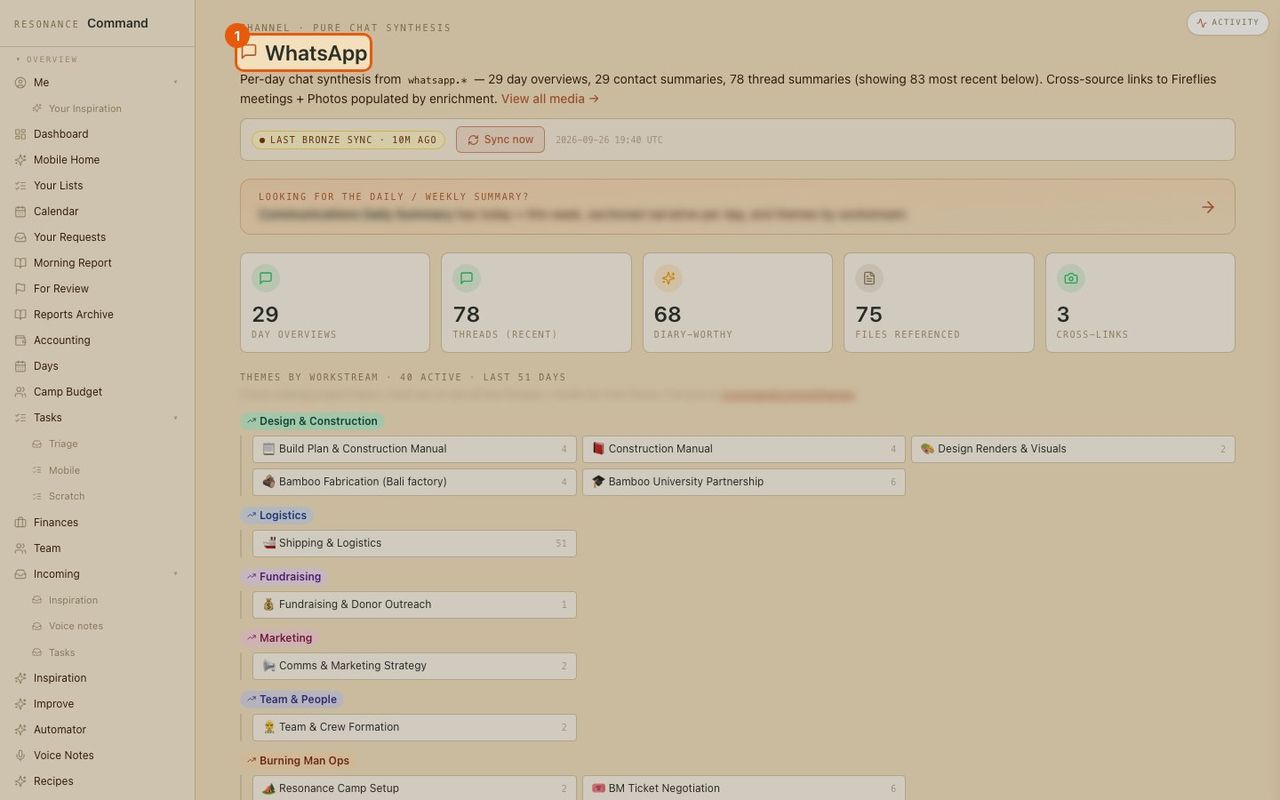
How many days are summarized, how many threads, which ones are worth keeping.
- 3
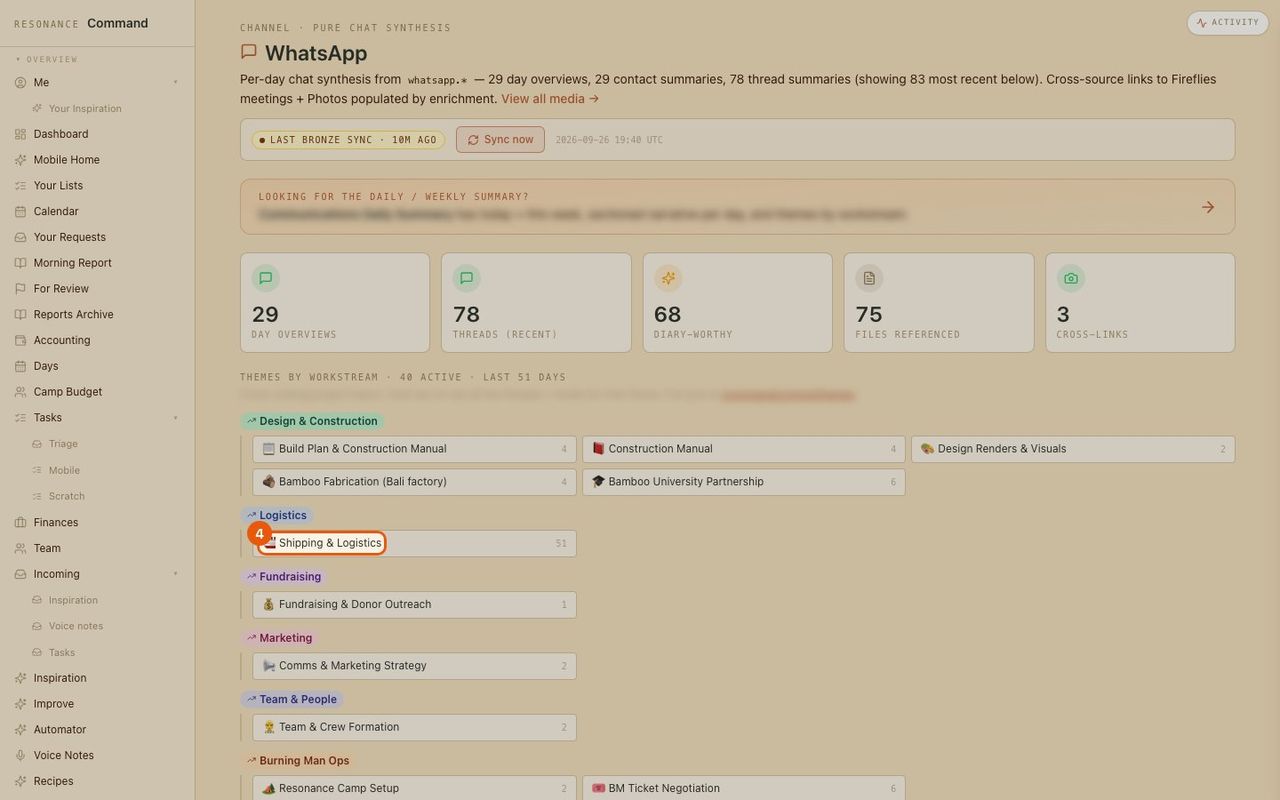
Find a topic
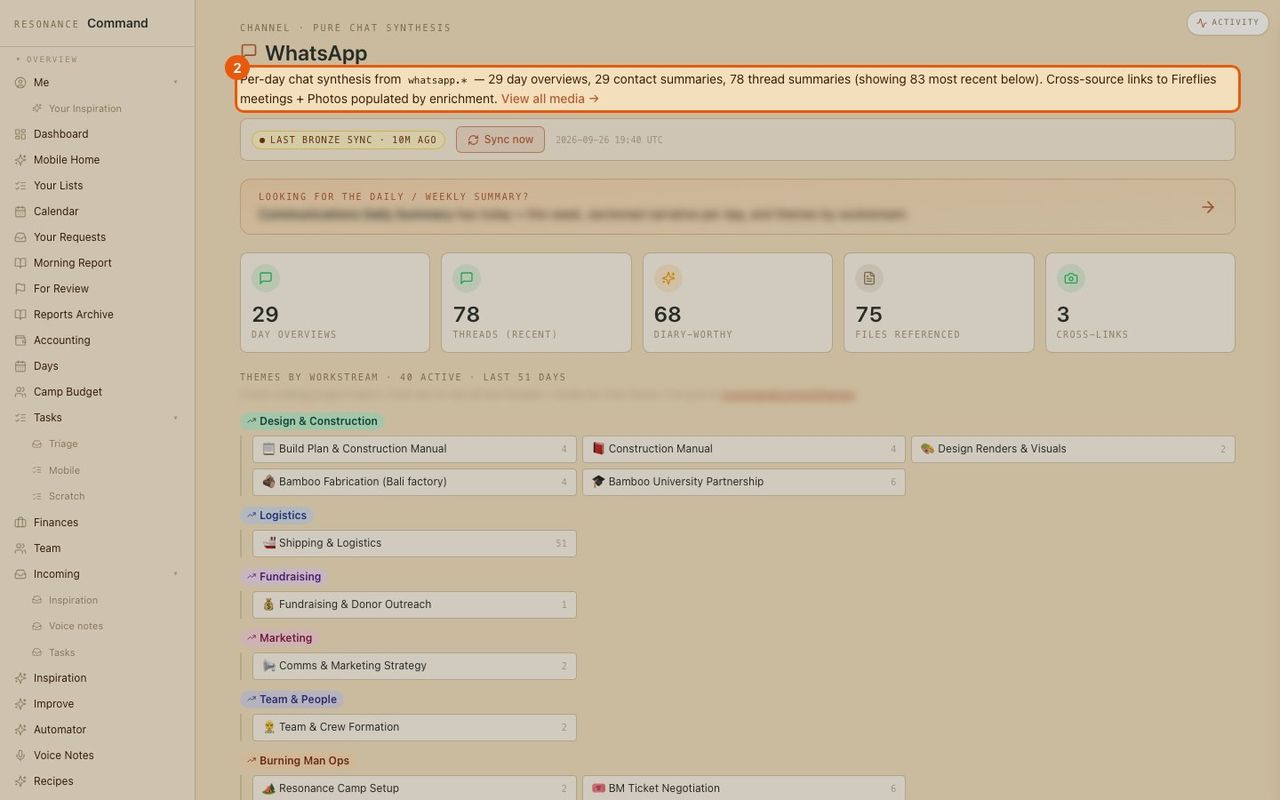
Threads are grouped by topic under each part of the business.
- 4
Open the topic
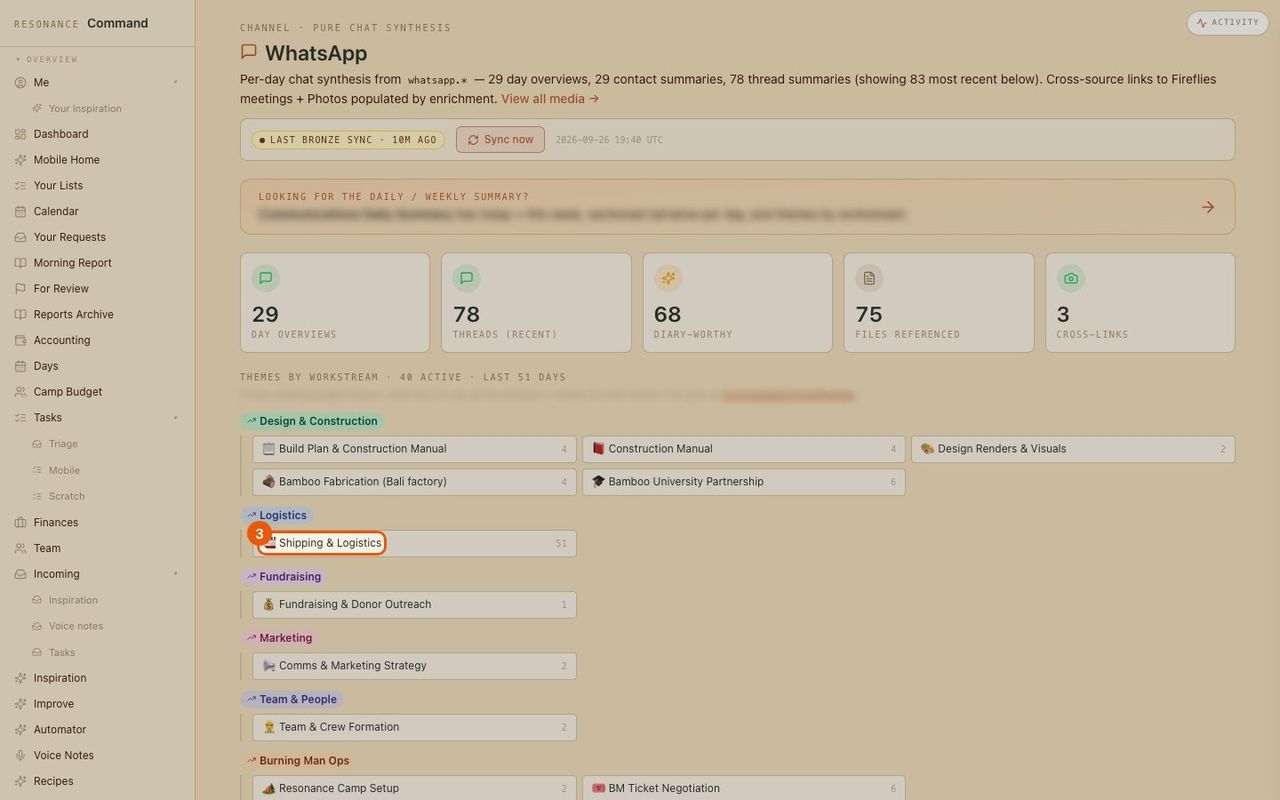
Click a topic to see everything said about it.
- 5
Every thread on that topic
Who was involved, how many messages, and a summary of each thread by day. (Message text is blurred here.)