← The Resonance PortalEmail
How it works · Admins
Your inbox, pulled in and summarized. Threads are ranked by importance, so the ones that need you rise to the top.
- 1
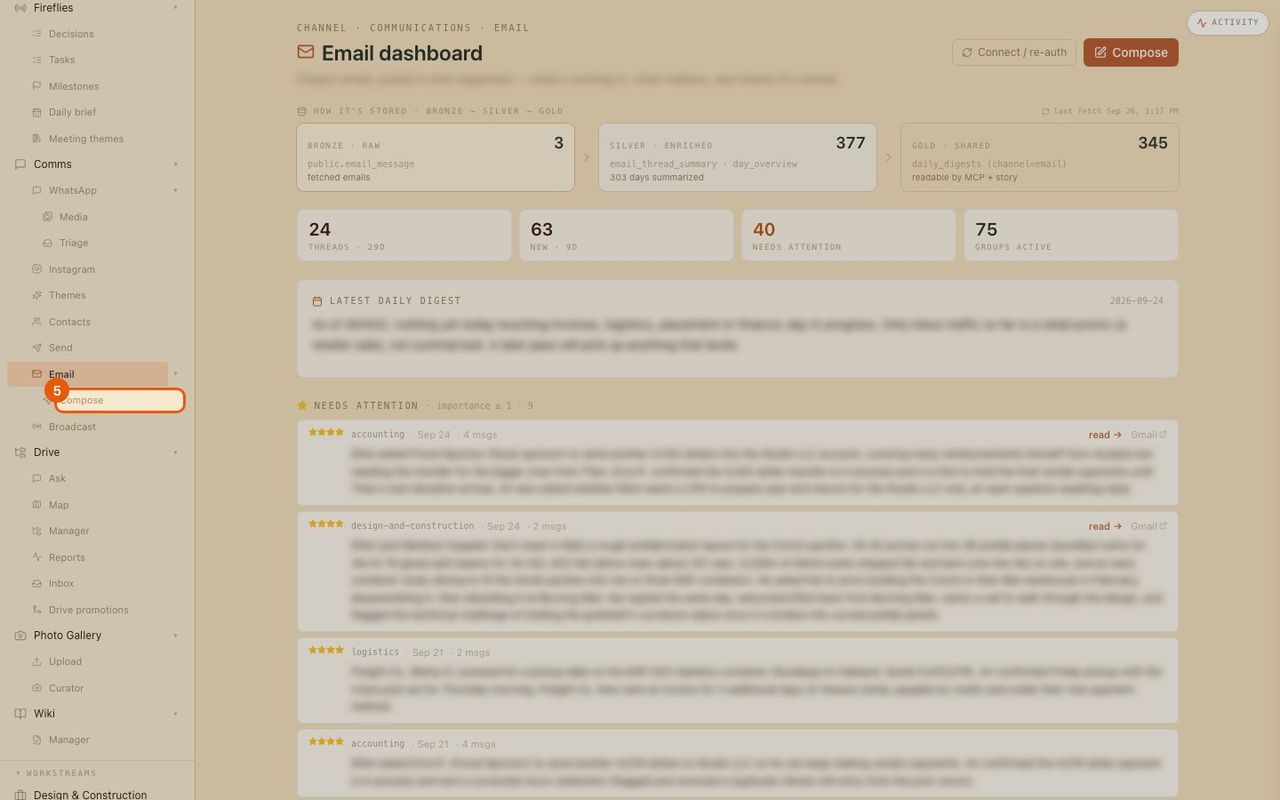
Open the email dashboard
Email in the menu, with how mail is stored: raw, summarized, and shared with the rest of the system.
- 2
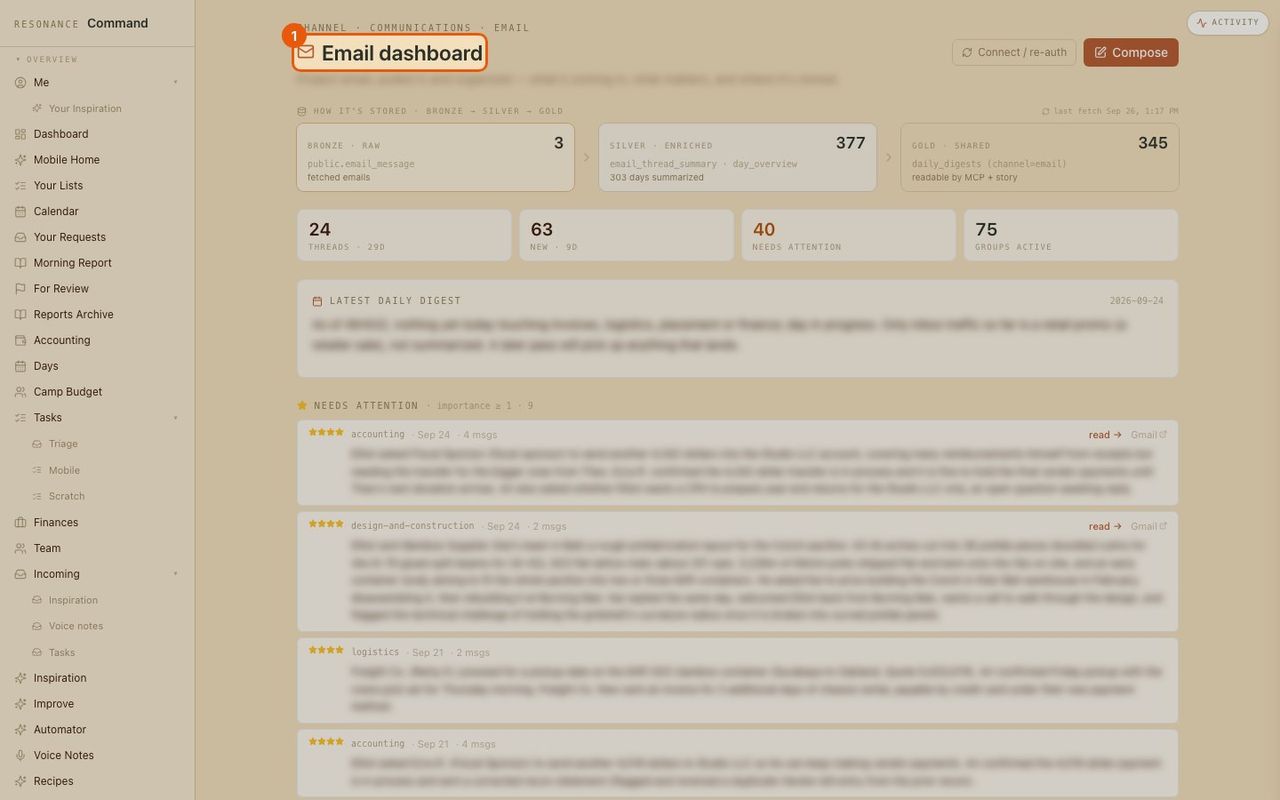
How much came in
Threads this month, new this week, groups active.
- 3
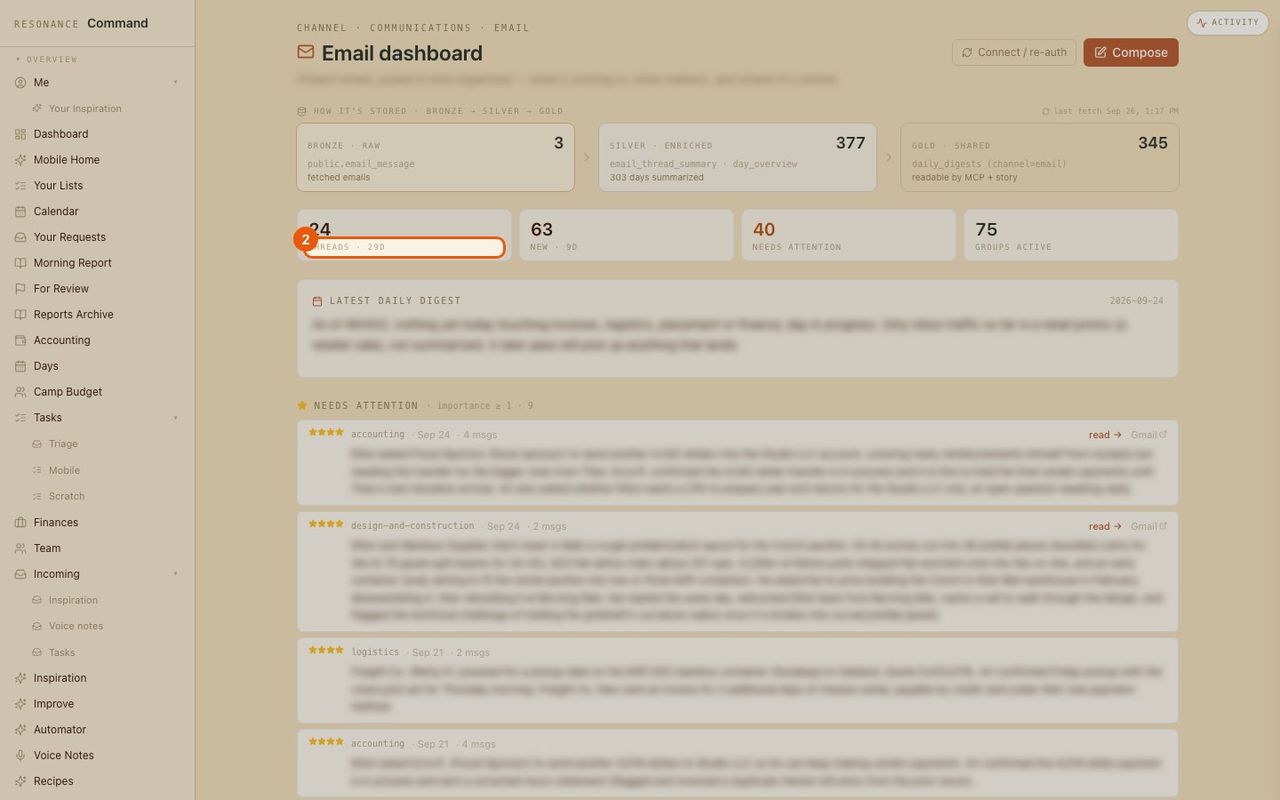
Today’s summary
A short written digest of the day’s email. (Blurred here.)
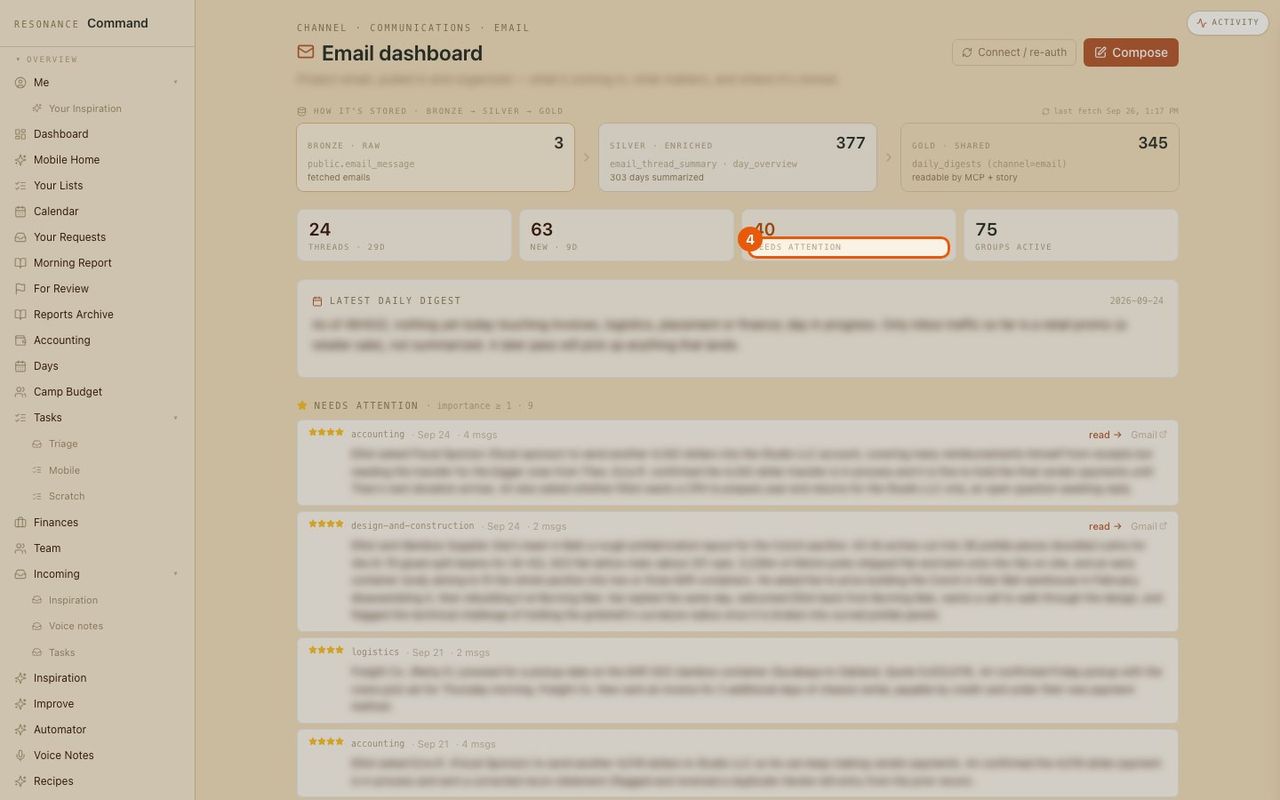
- 4
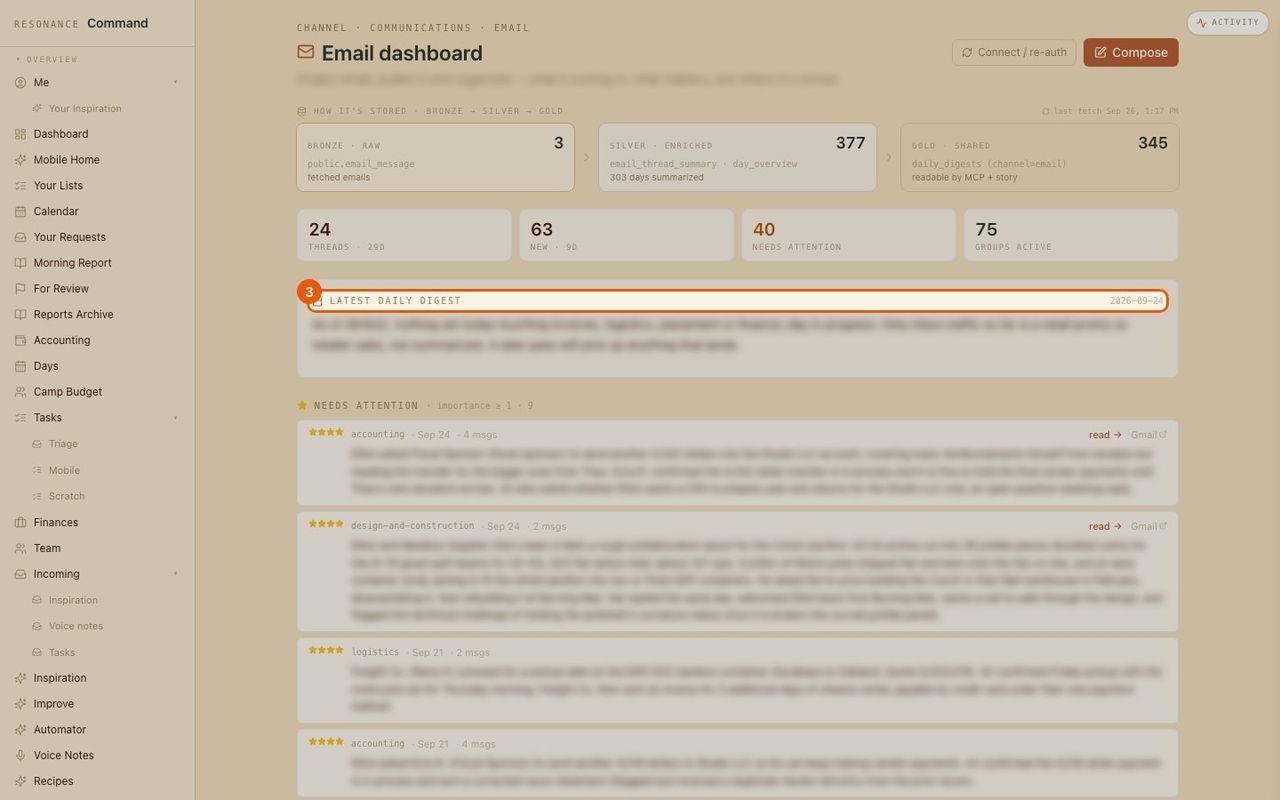
What needs you
Threads ranked by importance, each with a summary and a link to read the original.
- 5
Write an email
Compose from the portal without switching apps.