How it works · Everyone
Signing in
How your team gets into the portal. New accounts are invite-only: an admin sends an invite, you set a password once, and from then on you sign in with email and password.
- 1
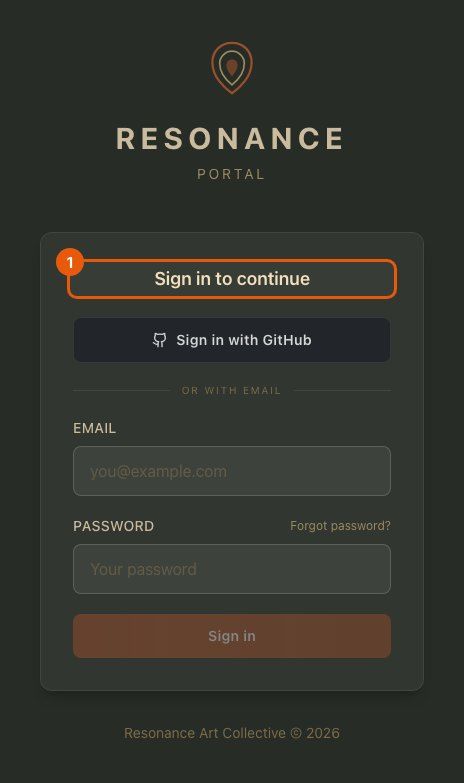
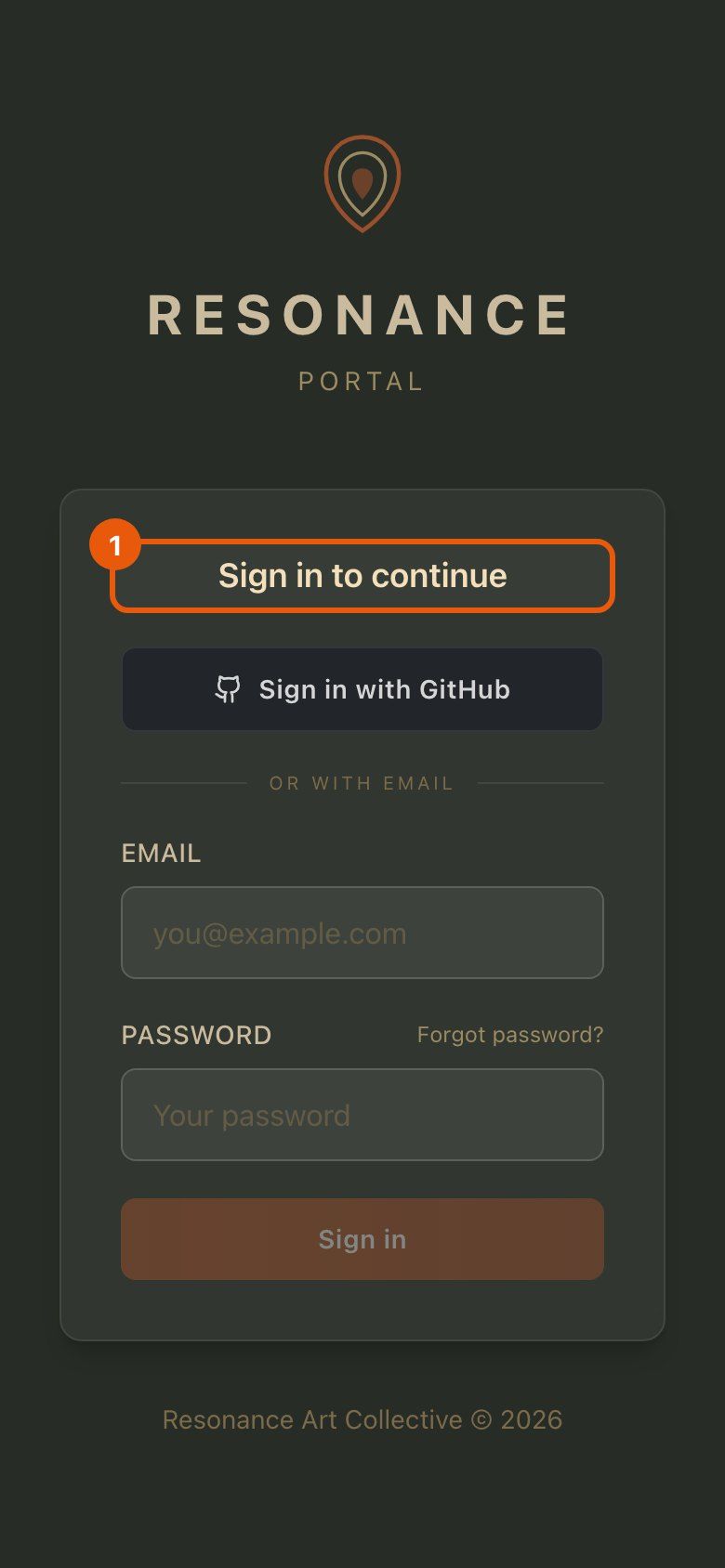
Open the portal
Go to your portal address. If you are not signed in yet, you land on this screen, and after signing in you go straight to the page you asked for.
- 2
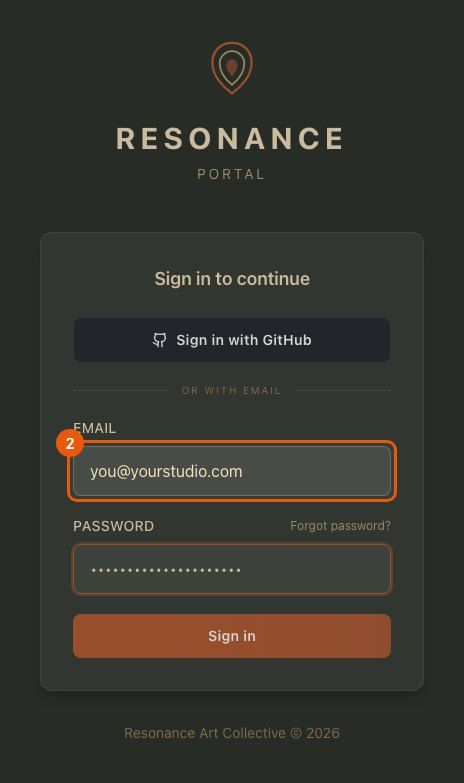
Enter your email and password
Use the same email address your invite was sent to.
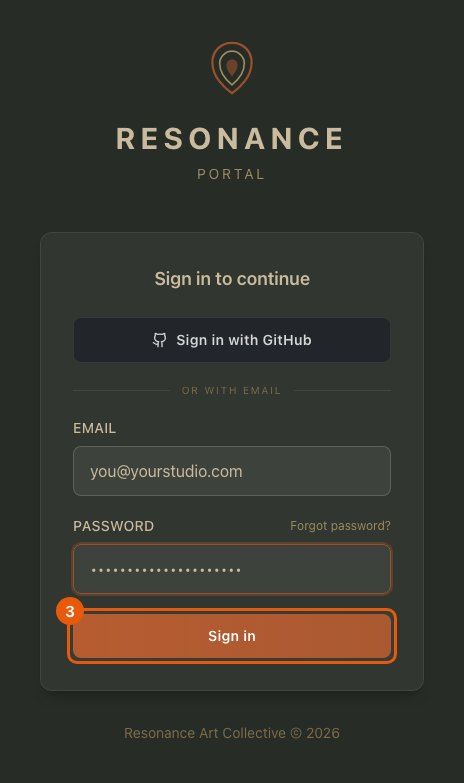
- 3
Sign in
The button switches on once both fields are filled in.
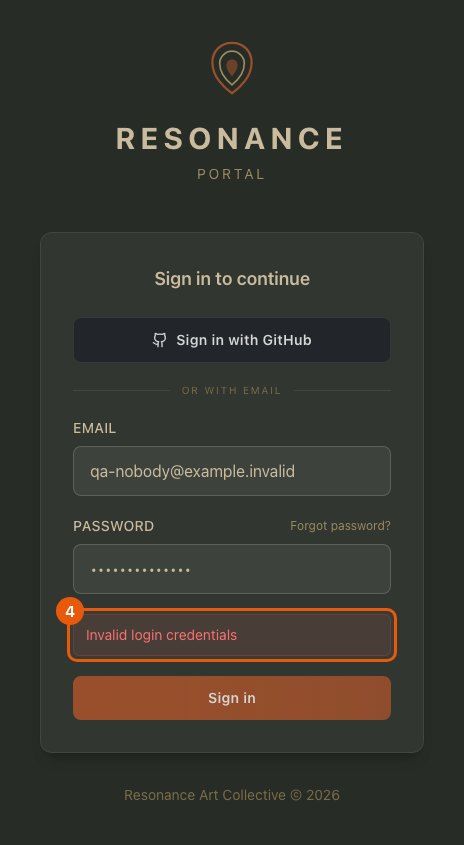
- 4
Wrong password? It tells you
The message appears under the form right away. Fix the password and try again; nothing is locked.
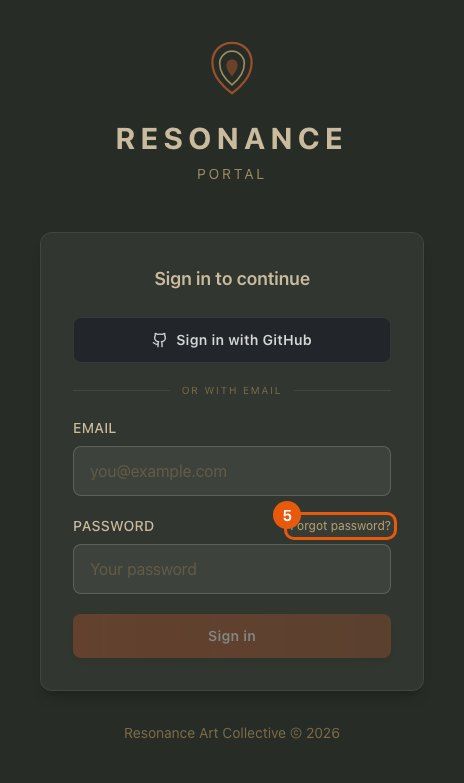
- 5
Forgot your password
Click “Forgot password?” next to the password label.
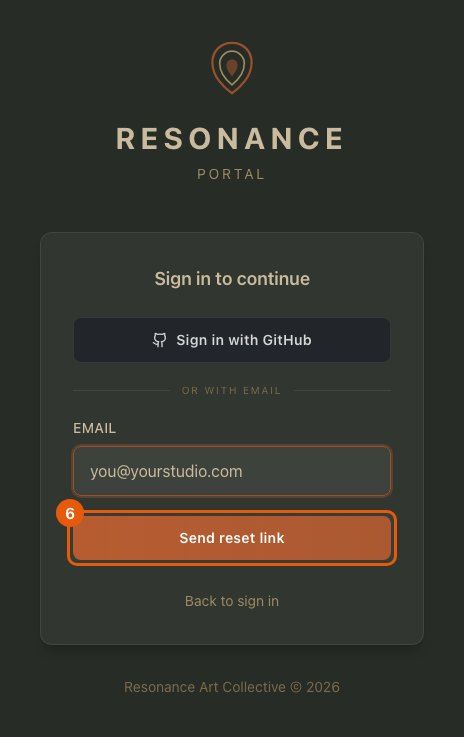
- 6
Request a reset link
Enter your email and send. A reset link arrives by email and opens a page where you choose a new password.
- 7
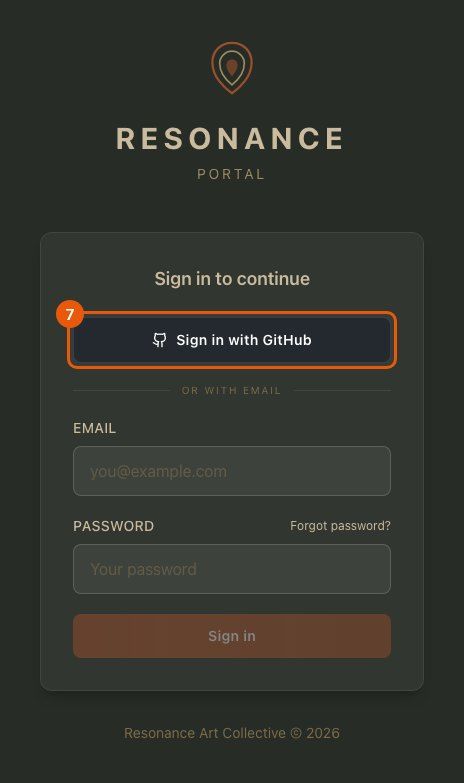
Or sign in with GitHub
Team members with a GitHub account can sign in with one click.
- 8
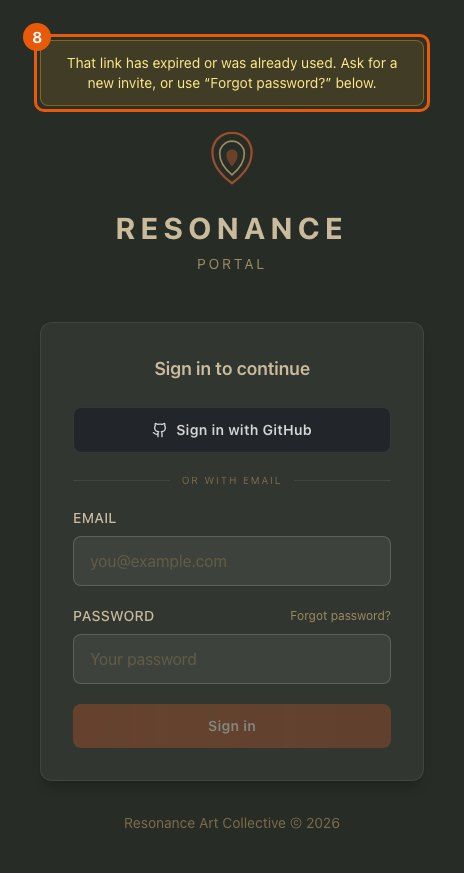
An old or used link explains itself
Invite and reset links work once. If one has expired or was already used, the portal says so and points you to a fresh one.
- 9
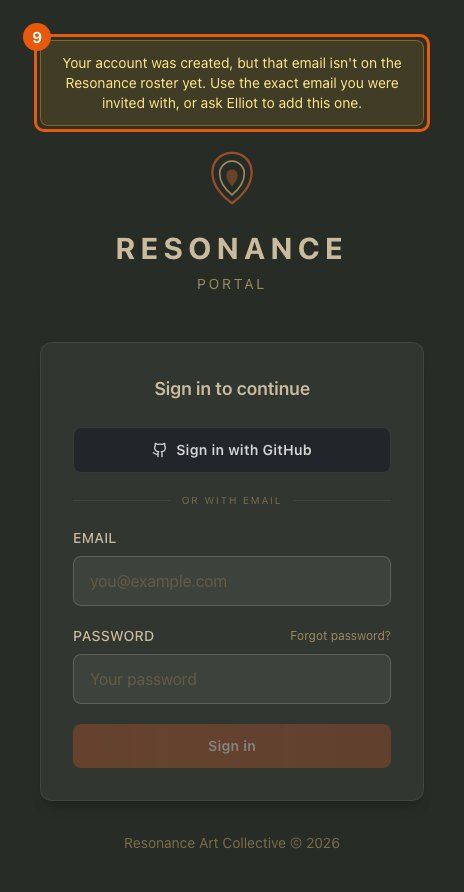
If your email is not on the team yet
You see this when an account was created with a different email than the invite. Sign in with the invited email, or ask your admin to add this one.