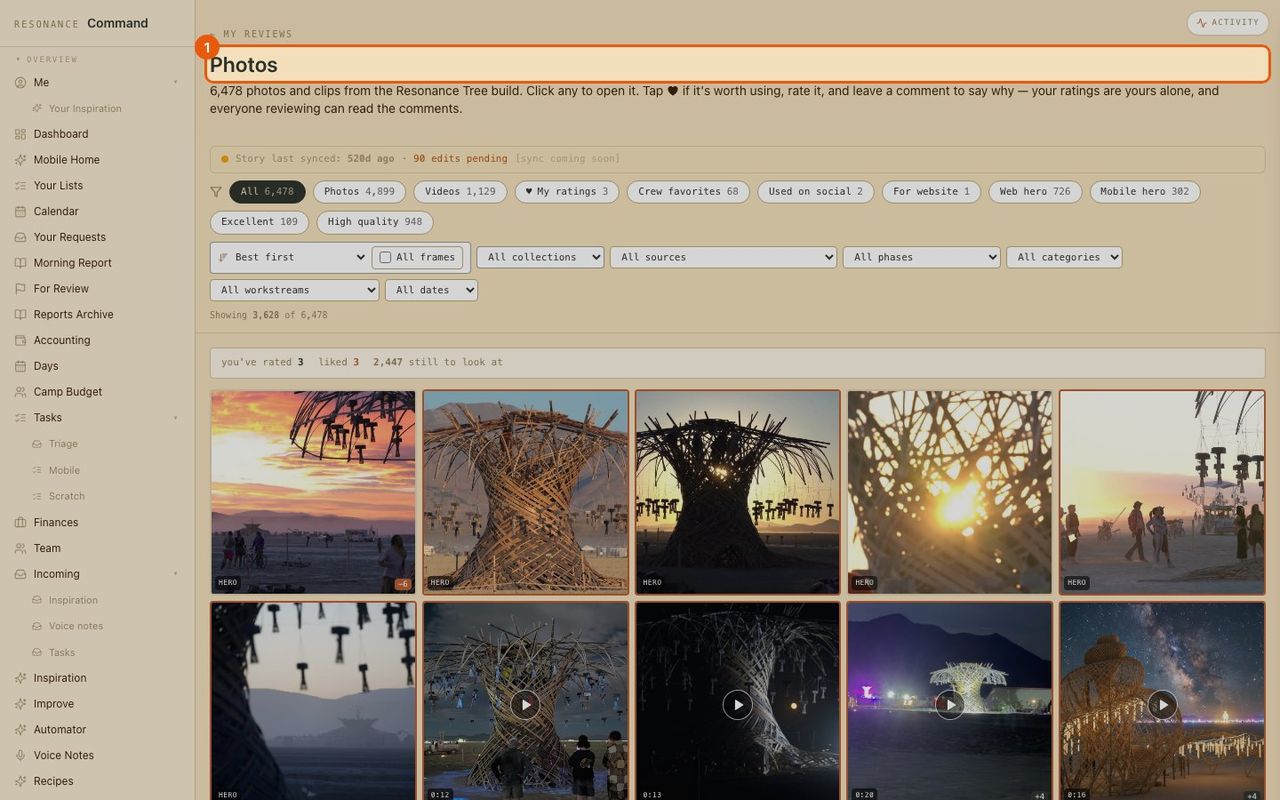
How it works · Collaborators
Photo and video library
Every photo and clip in one place, tagged by AI. Your team rates and comments, and the best ones flow to posts, press and the website.
- 1
Open the library
Photos in the menu. Everything the team shot, newest and best first.
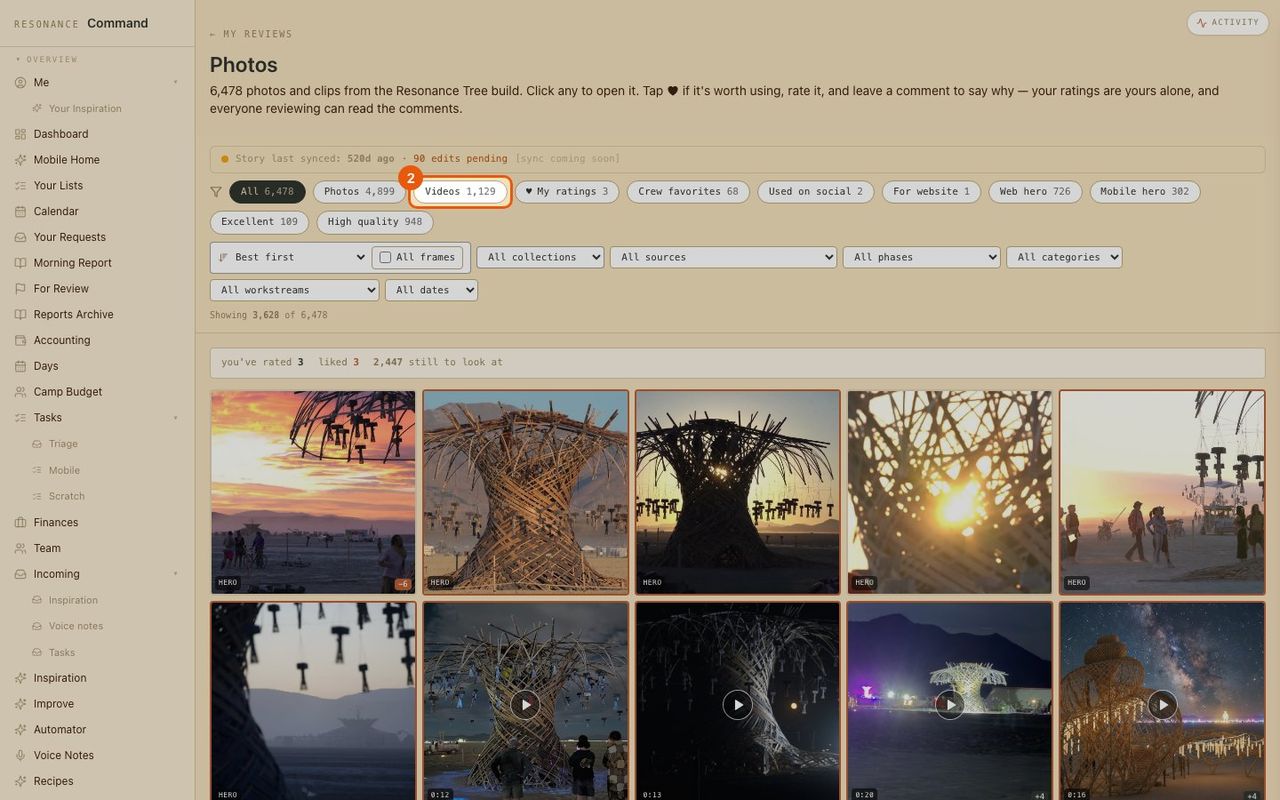
- 2
Filter the library
Chips across the top narrow it down: photos, videos, crew favorites, web heroes, high quality.
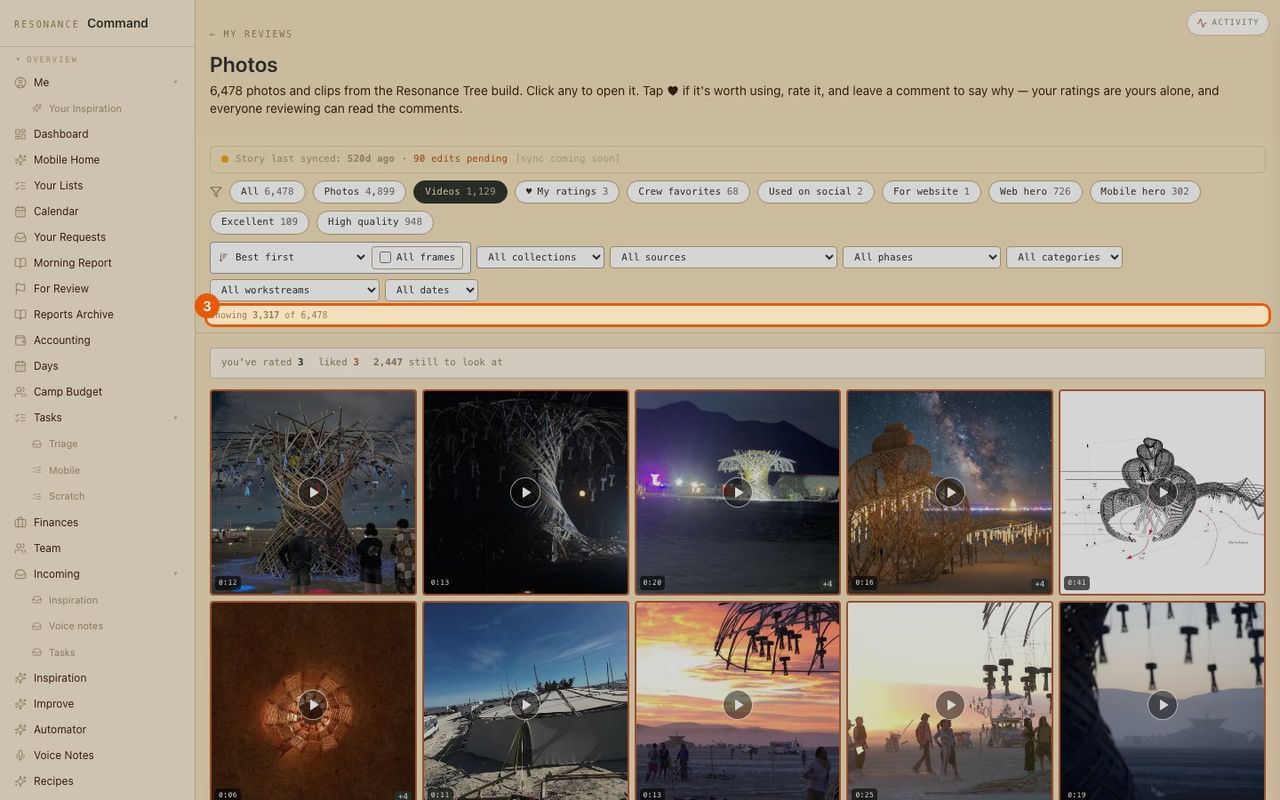
- 3
Just the videos
The count updates as you filter, so you always know how many you are looking at.
- 4
Sort and narrow down
Sort by best first or newest, or filter by collection, source, phase, category, workstream or date.
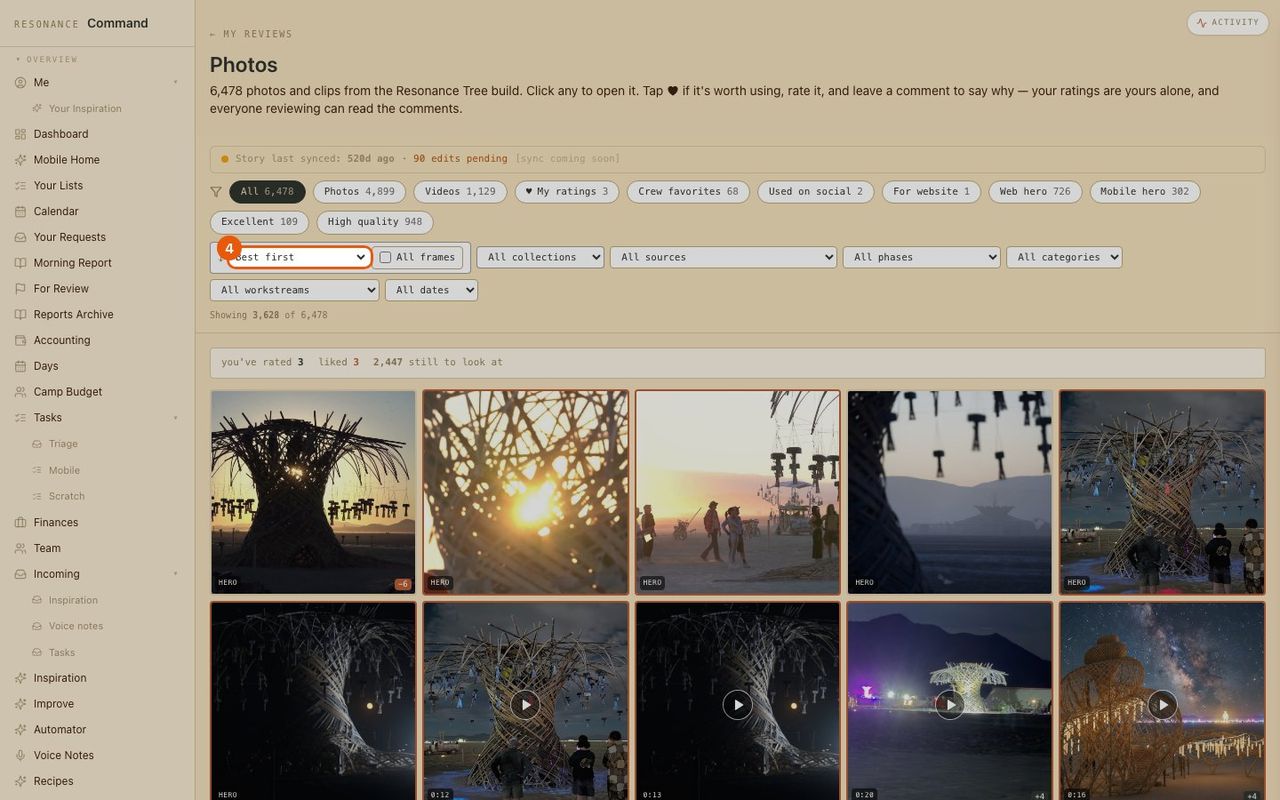
- 5
Open a photo
Click any tile to open it full size.
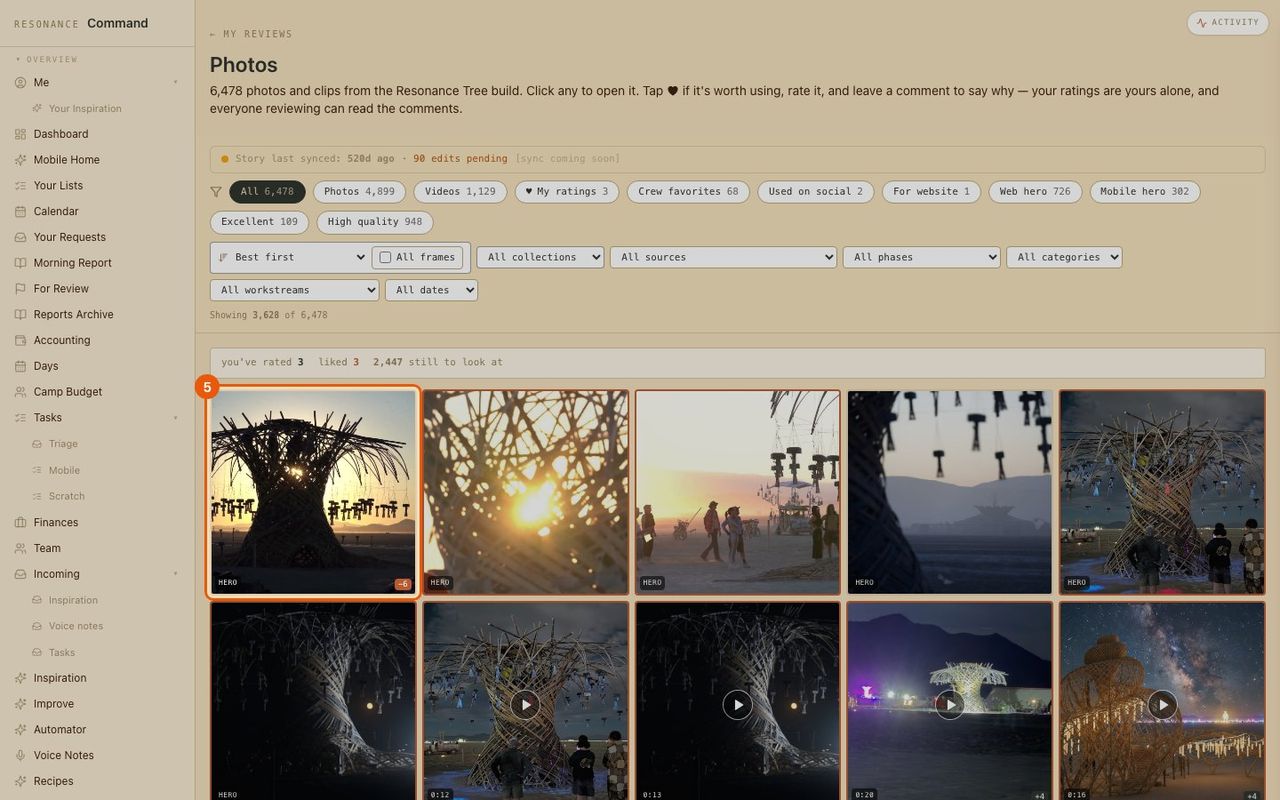
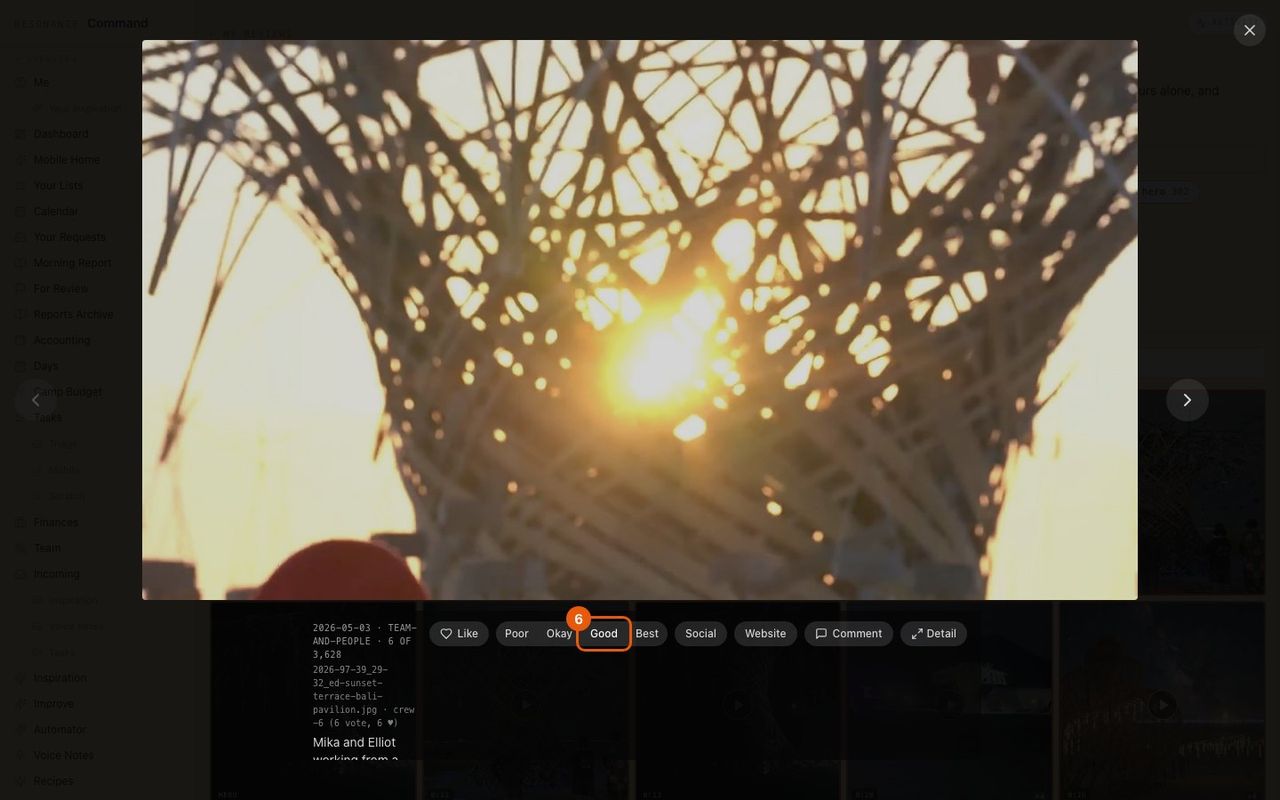
- 6
Rate it
Poor, Okay, Good or Best. Your ratings are yours; the team sees the overall picture.
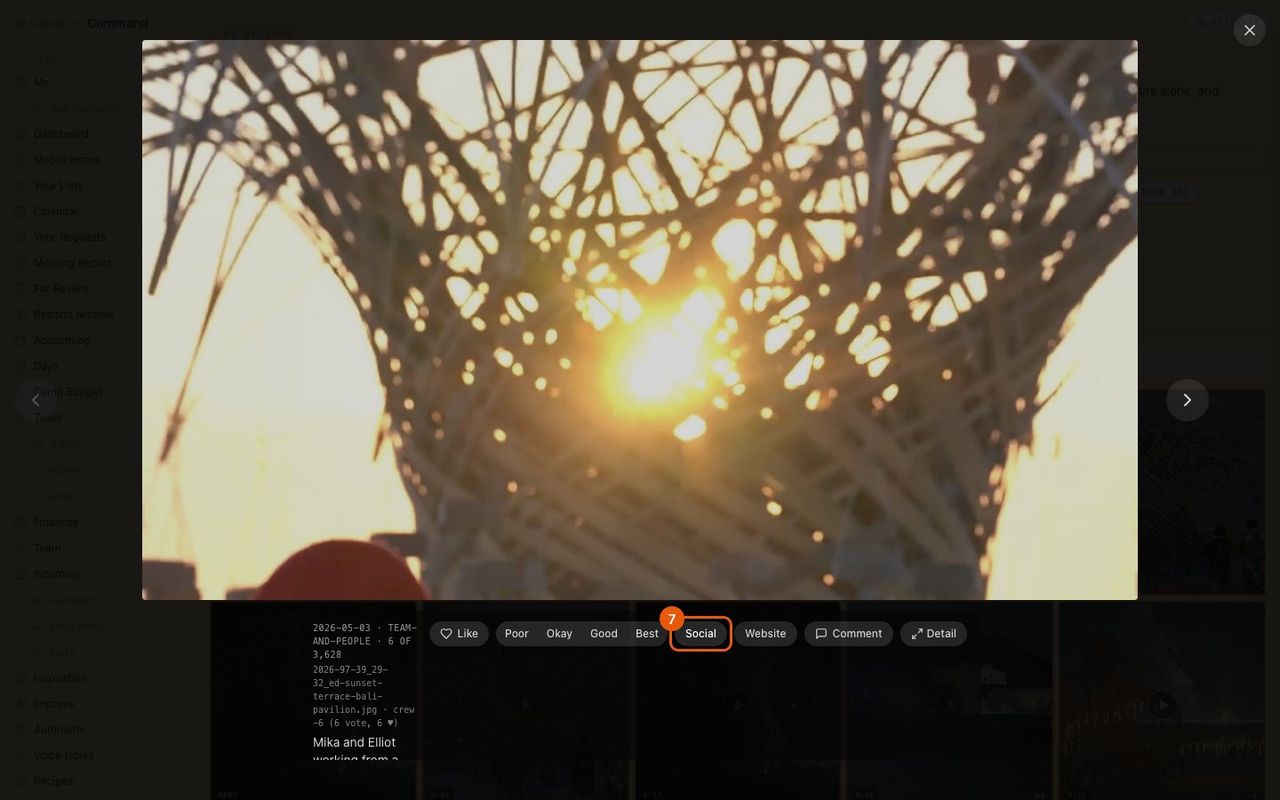
- 7
Tag where it should go
Mark it for Social or the Website, so the marketing team finds it later.
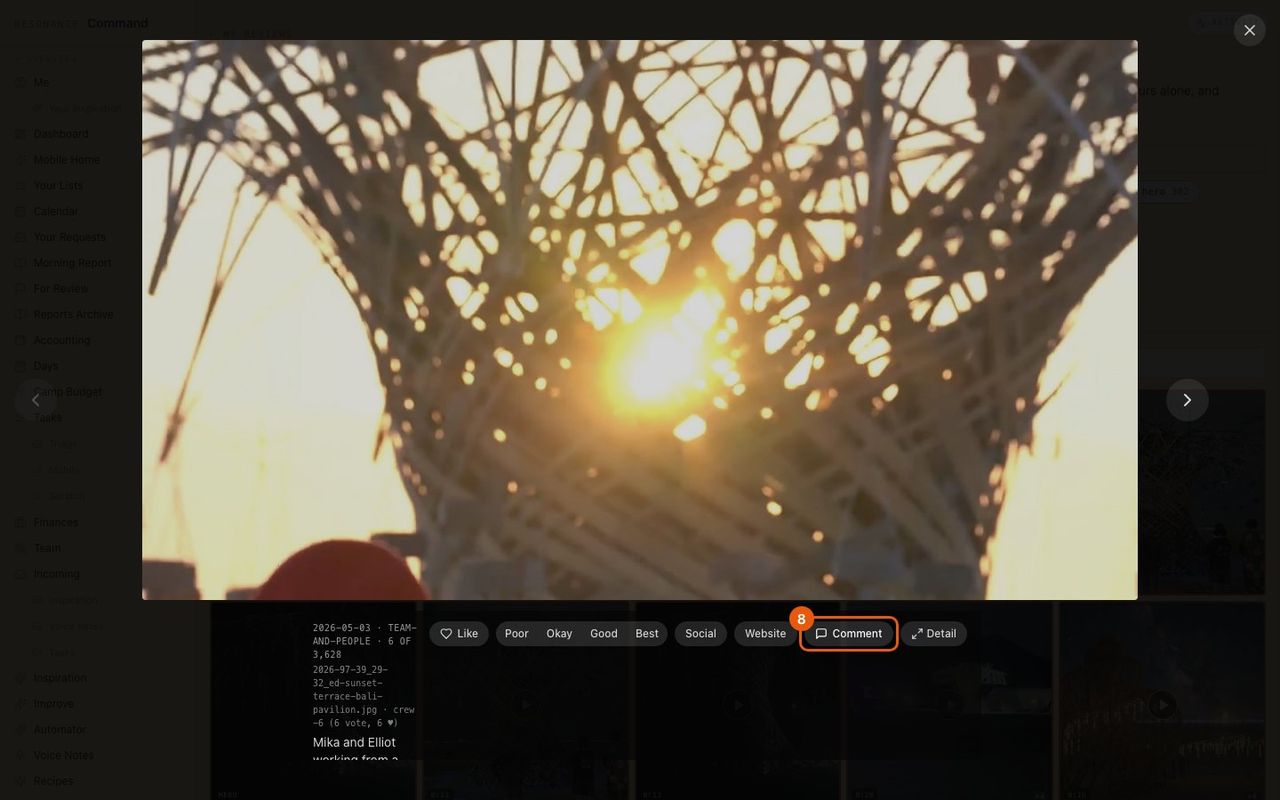
- 8
Say why in a comment
A short note on why it works, readable by everyone reviewing.
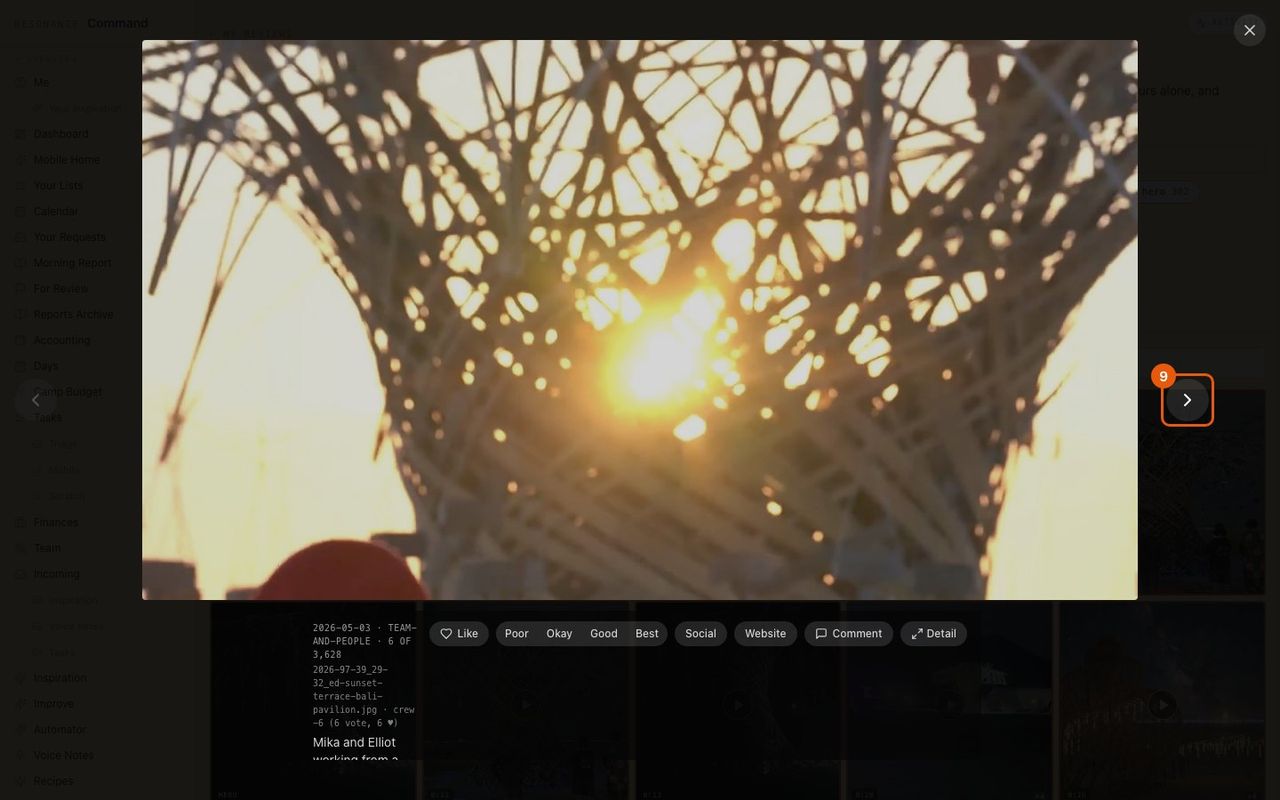
- 9
Move through the set
Arrow buttons (or your keyboard) step to the next photo without closing.