← The Resonance Portal
How it works · Collaborators
Content plan
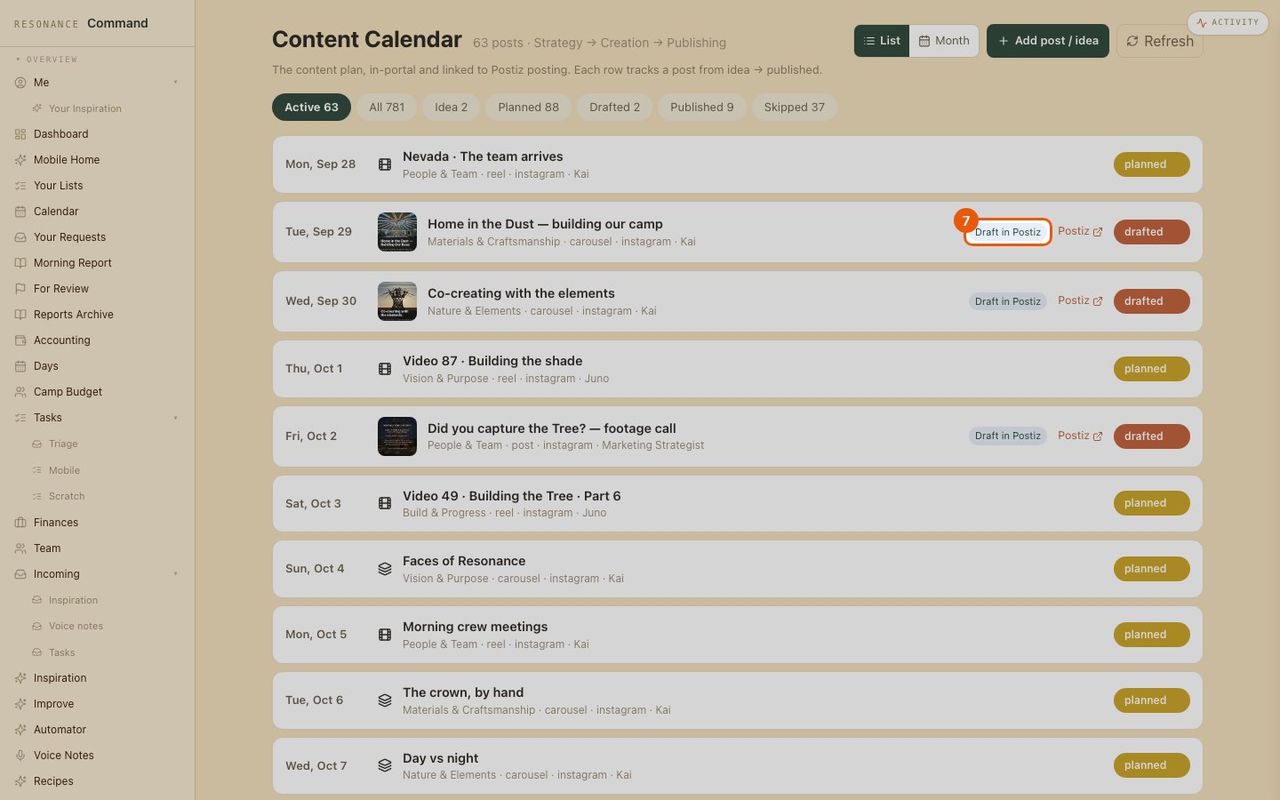
Every post from idea to published. Drafts go straight to the scheduler, and approved posts publish to Instagram on their date.
- 1
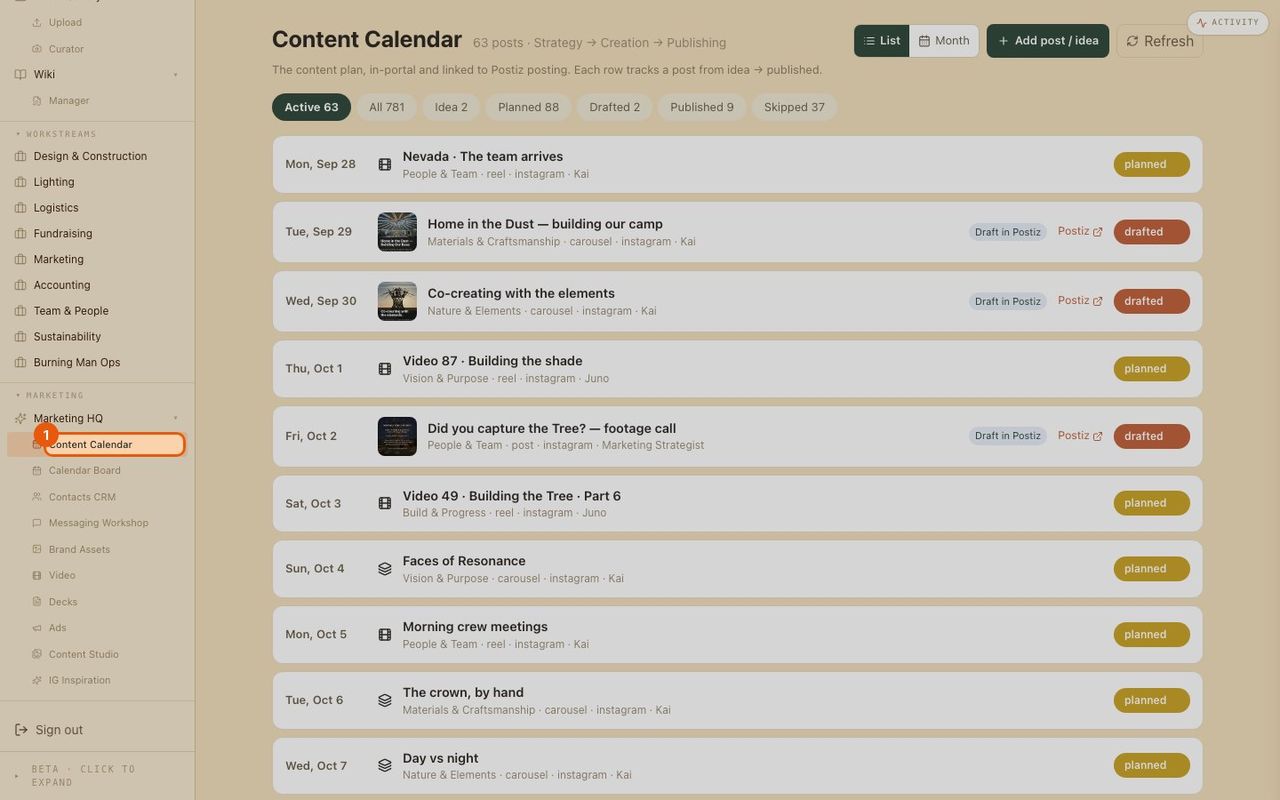
Open the content plan
Content Plan in the menu. Upcoming posts, in date order.
- 2
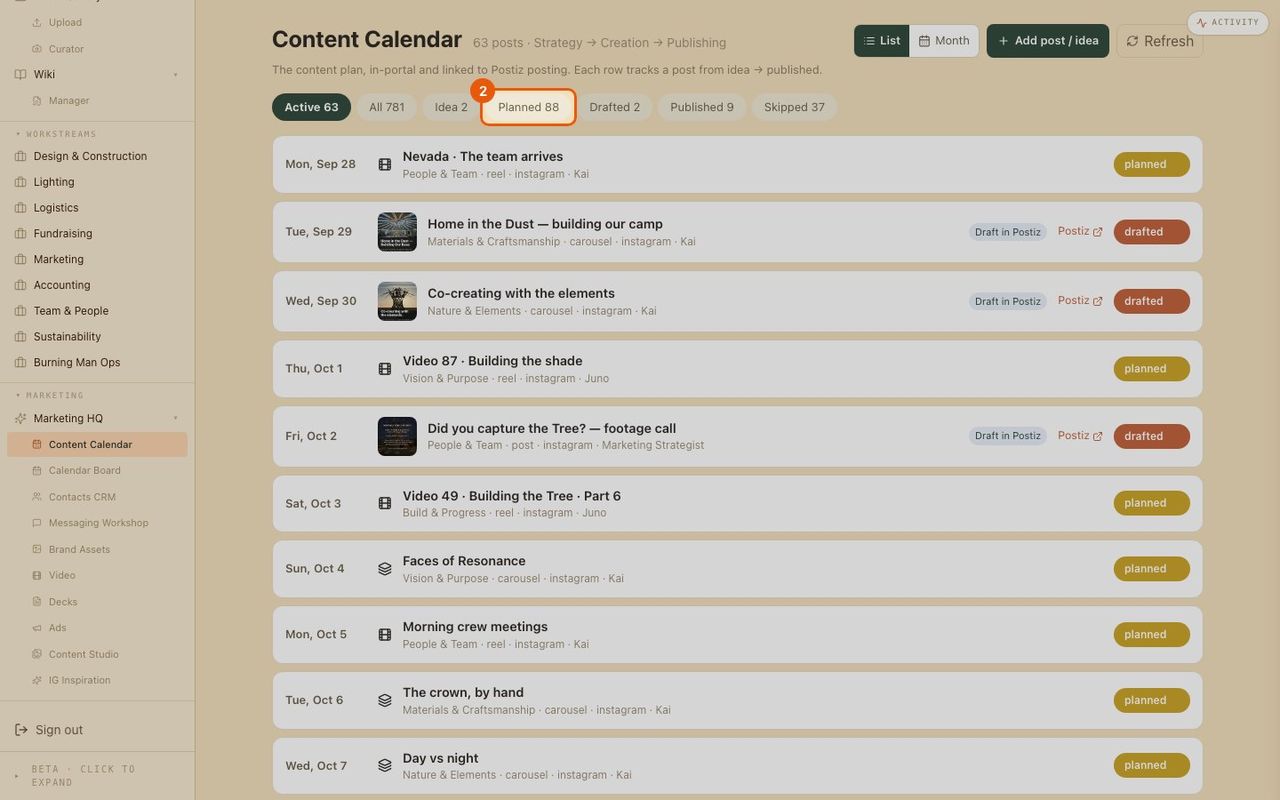
Filter by stage
Idea, planned, drafted, published or skipped: one click to see where things stand.
- 3
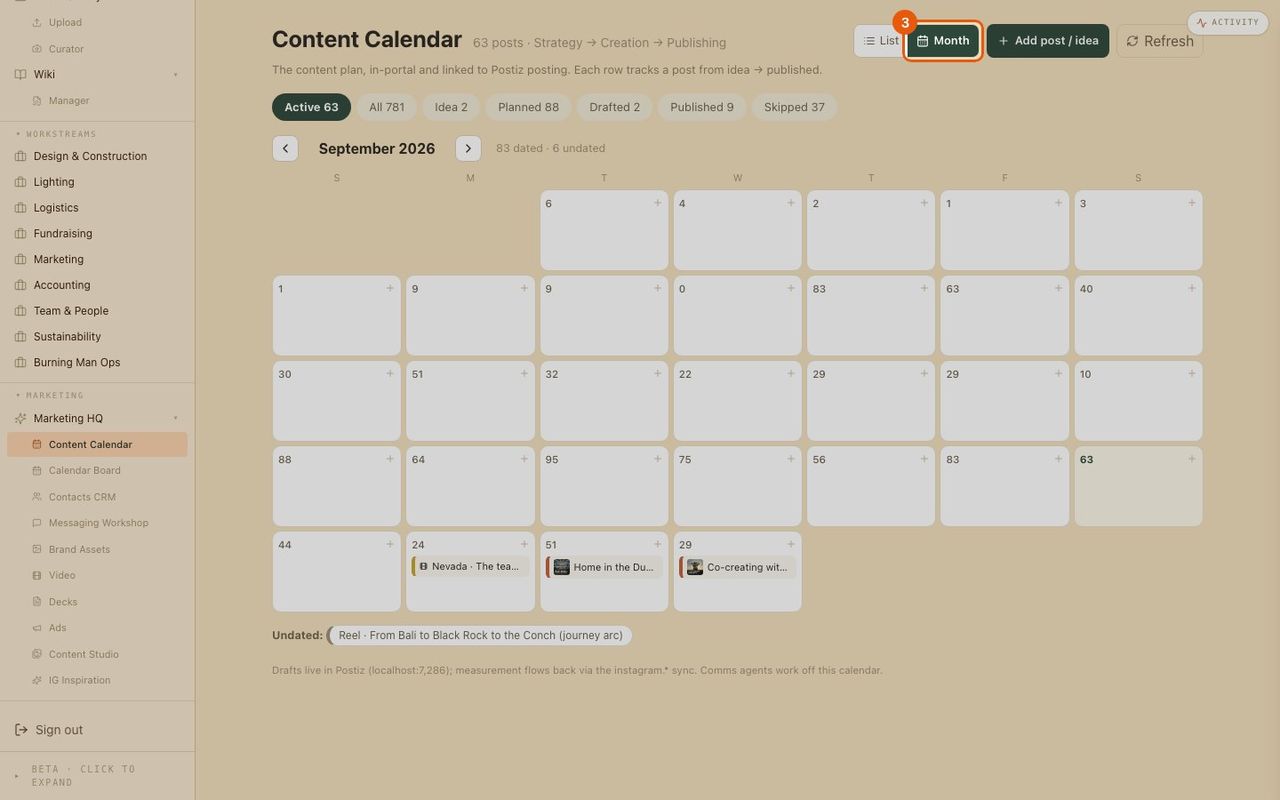
Switch to the month view
See the month on a calendar to spot gaps and busy weeks.
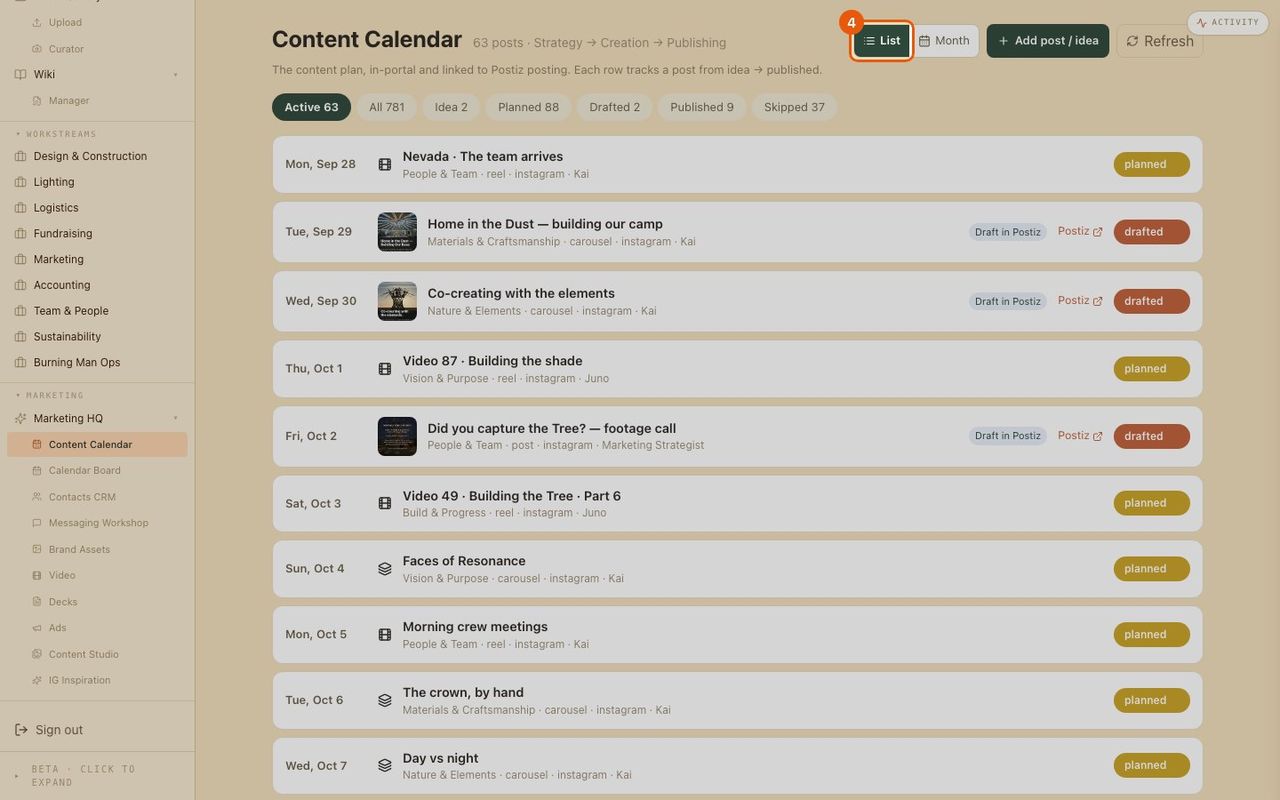
- 4
Back to the list
The list shows format, channel, owner and status for each post.
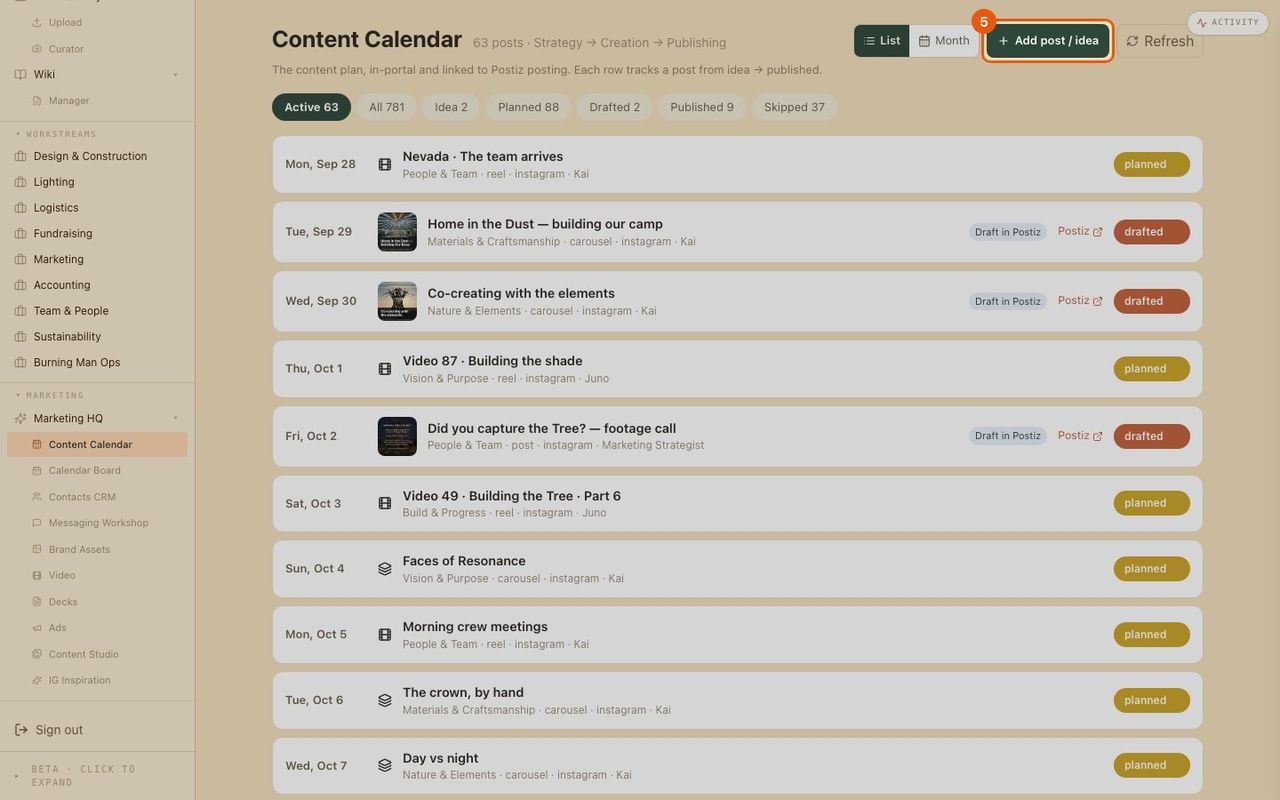
- 5
Add a post or idea
One button opens a short form.
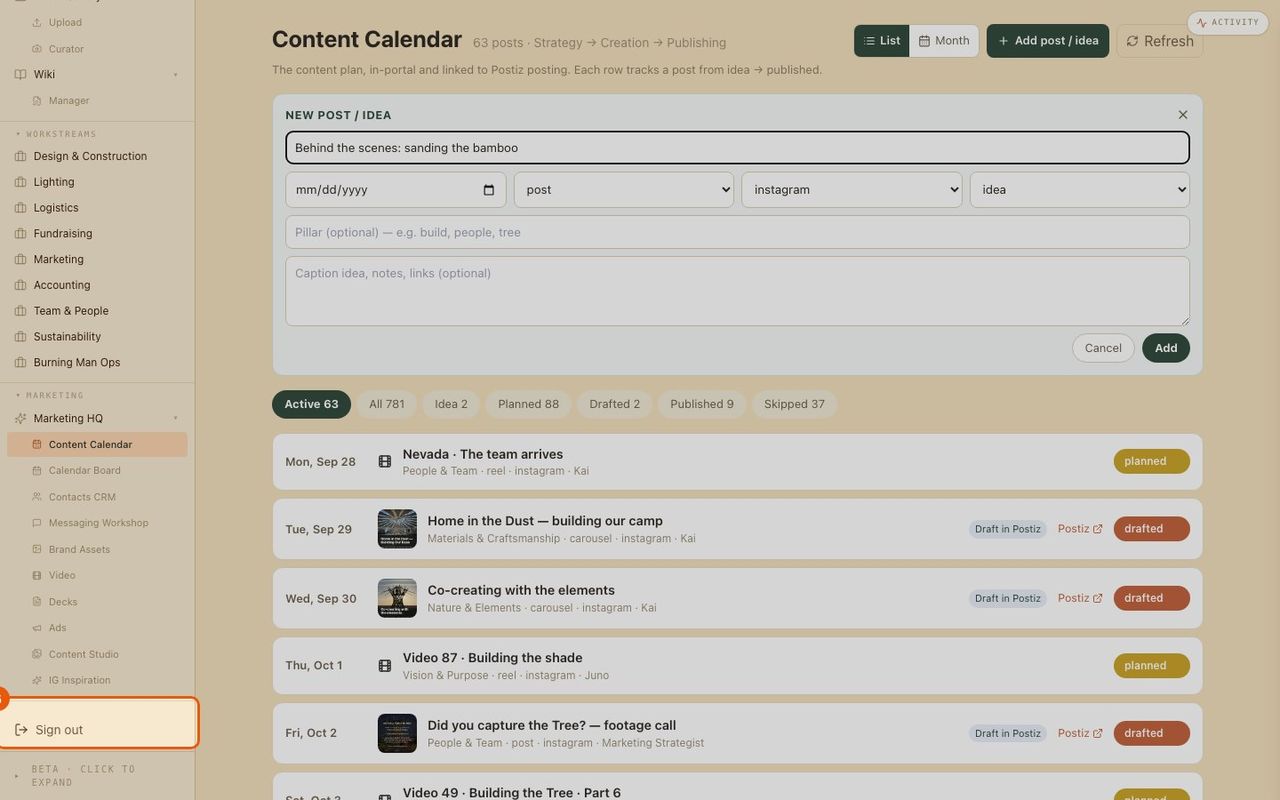
- 6
Fill in the idea
A title, a date if you have one, the format and channel. Save it, or cancel.
- 7
Drafts link to the scheduler
Drafted posts sit in the scheduler ready for approval, and the link opens them there.