← The Resonance Portal
How it works · Everyone
Tasks
One task list for the whole team. Action items from calls, chats and email land here automatically.
- 1
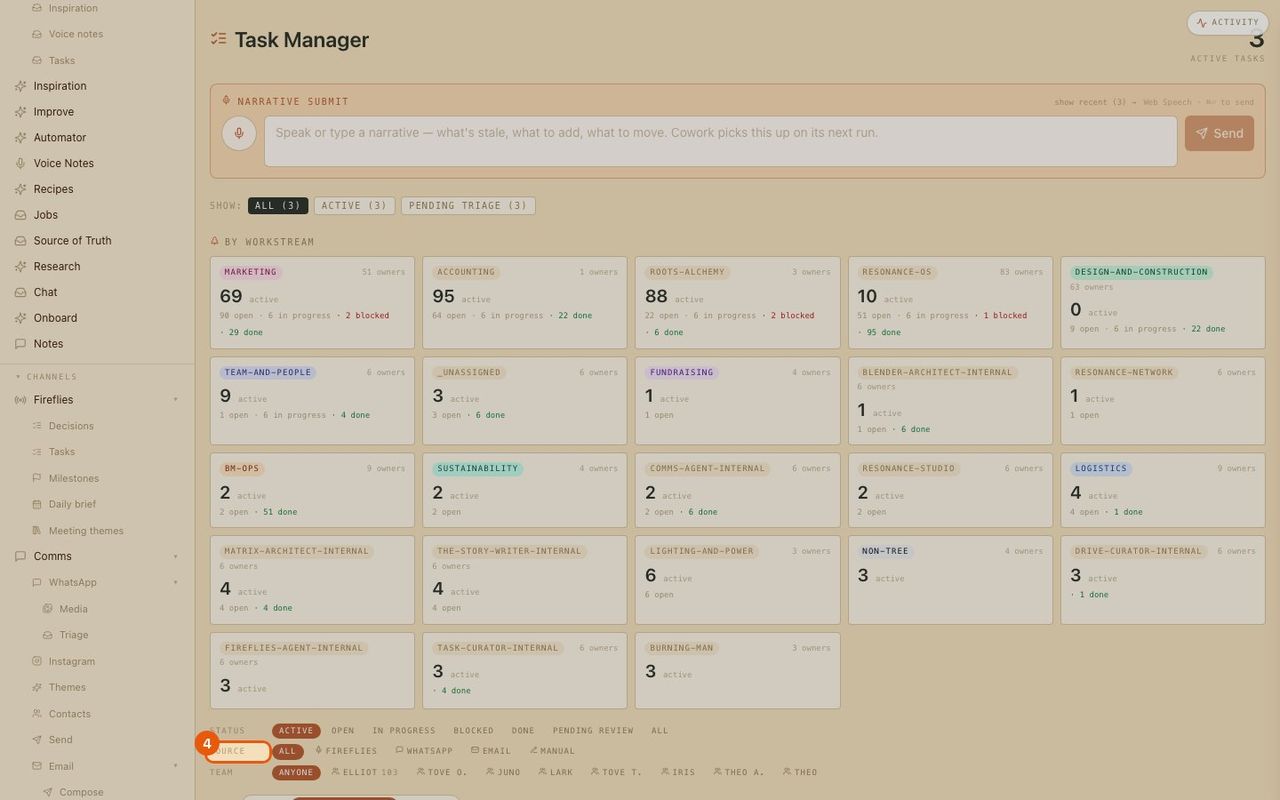
Open tasks
Tasks in the menu.
- 2
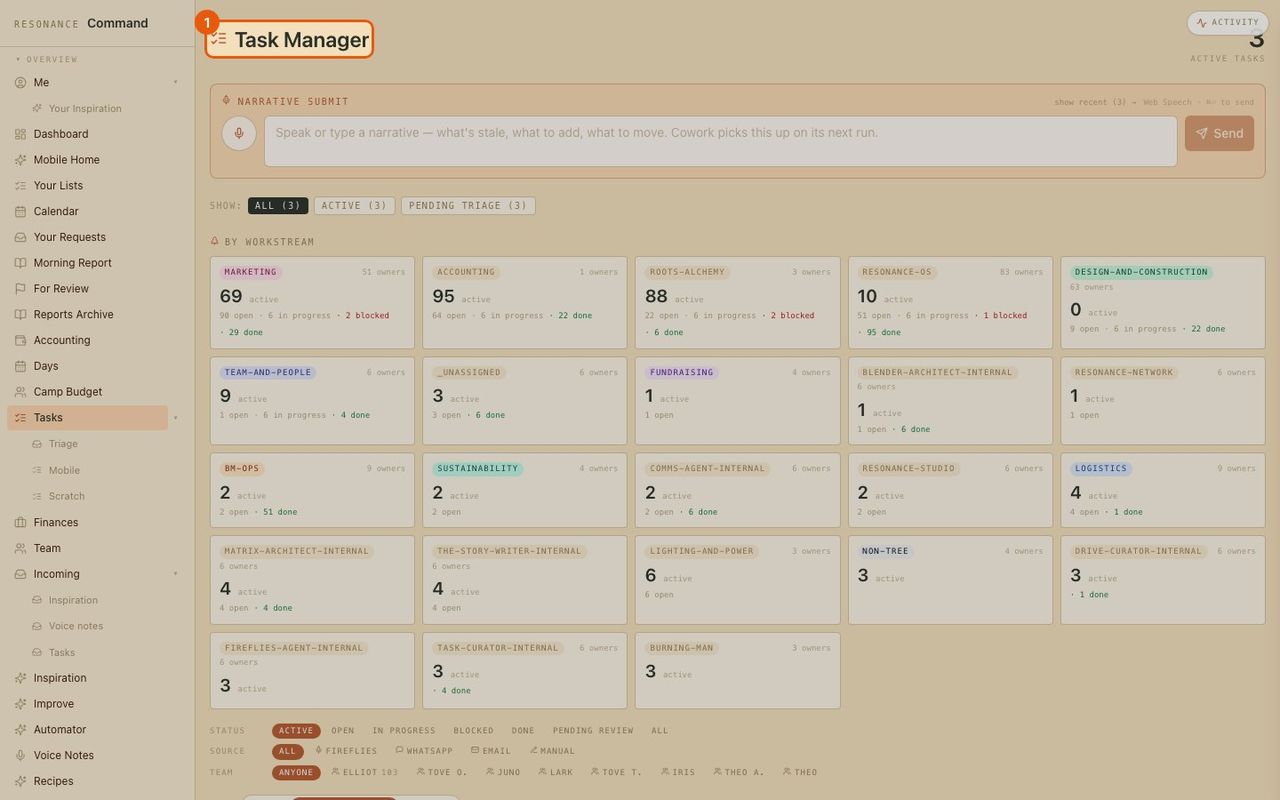
Tell it what changed, in plain words
Type or speak a note (what is done, what is stuck, what is new) and the AI updates the tasks for you.
- 3
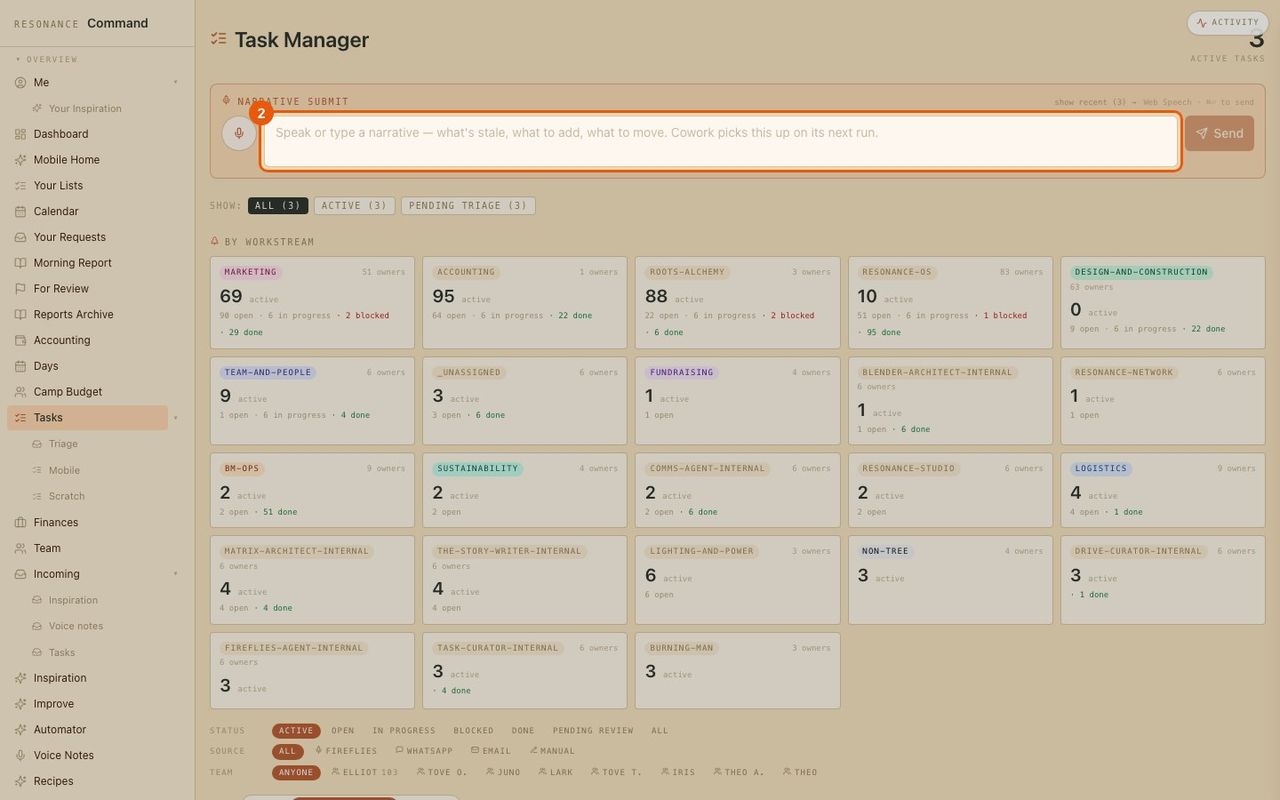
Work by workstream
Each part of the business shows open, in-progress, blocked and done.
- 4
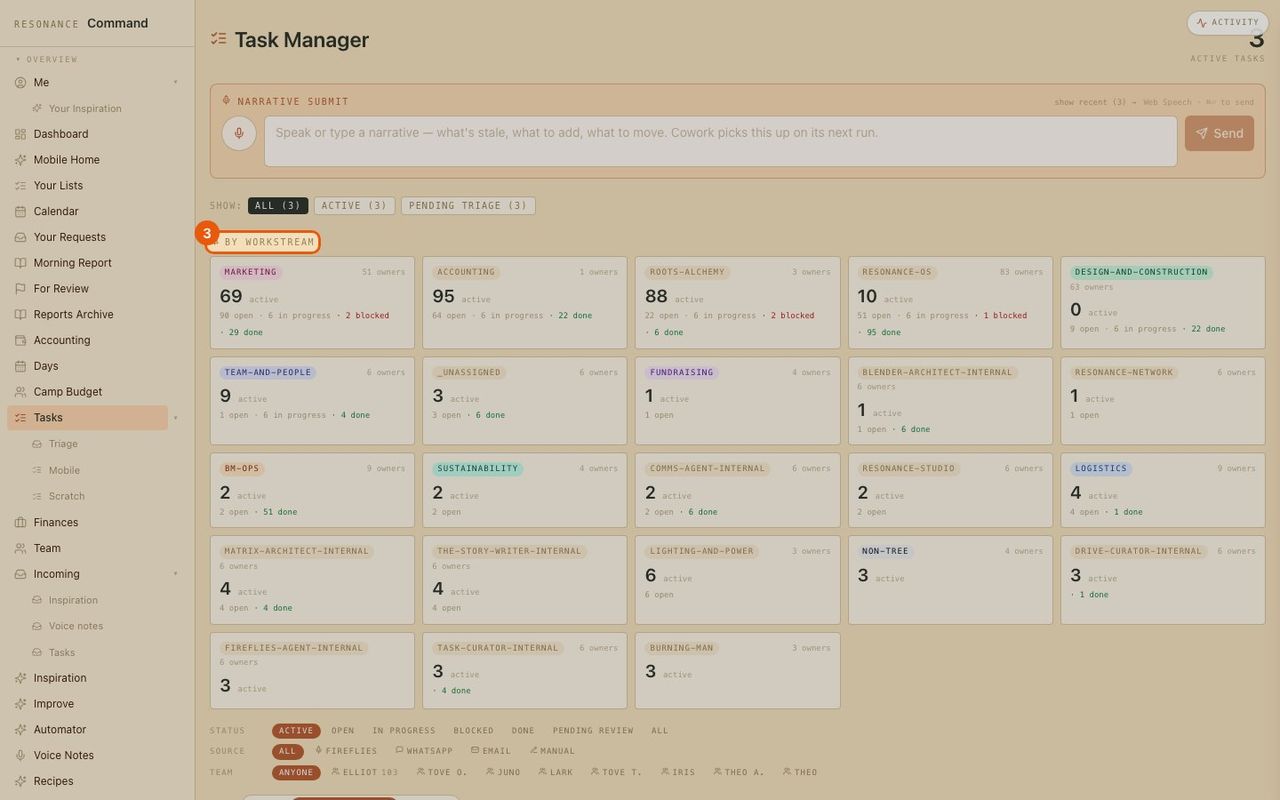
Filter by where it came from
See tasks from meetings, WhatsApp, email or added by hand, and filter by person.